CDE Connect
Your cloud platforms should work together - now they do
When teams work across multiple Common Data Environments, keeping information aligned often depends on manual data transfers. CDE Connect automates file synchronization and metadata mapping across platforms, helping teams work from the right dataset.



One Project. Multiple CDEs.
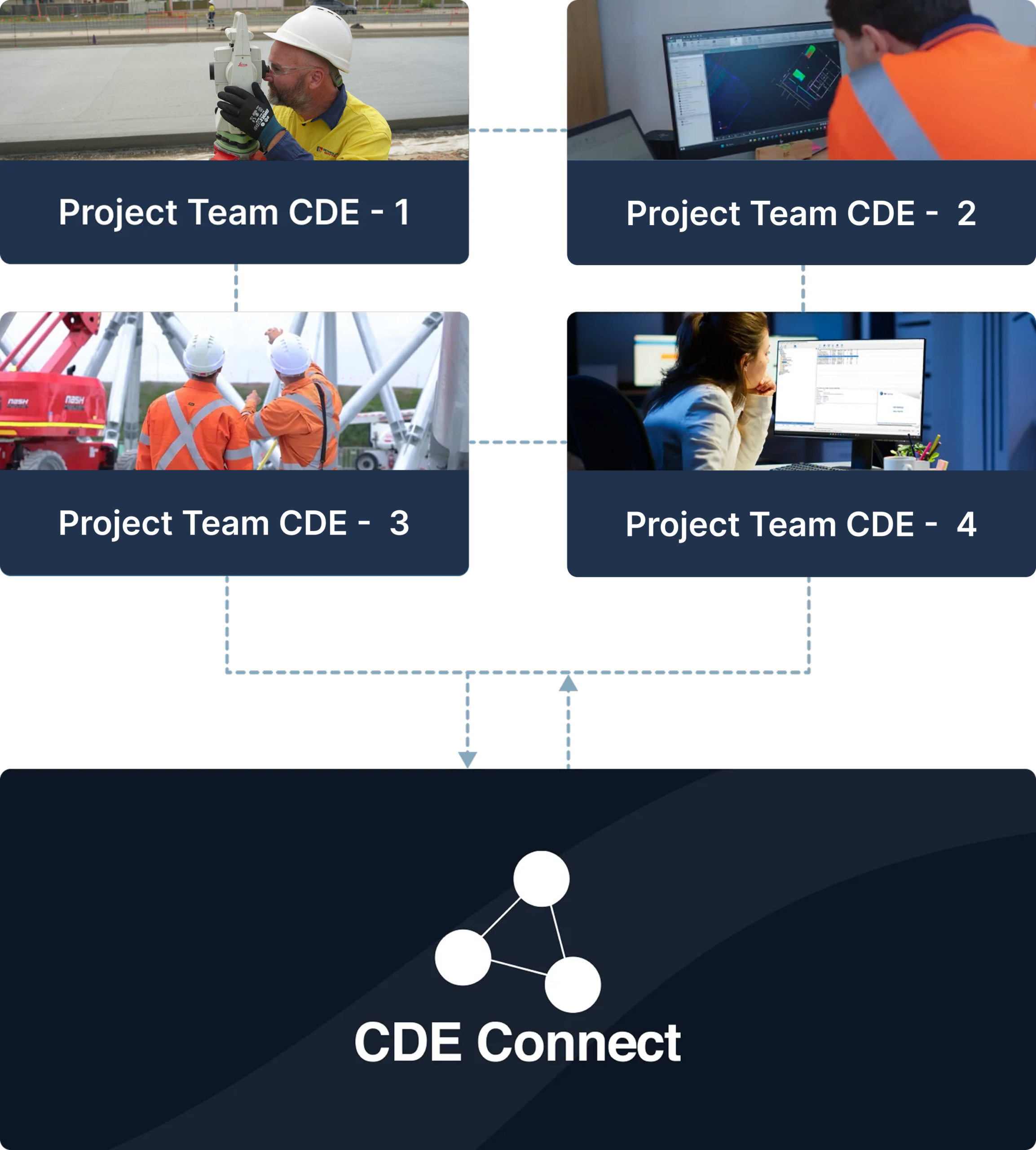
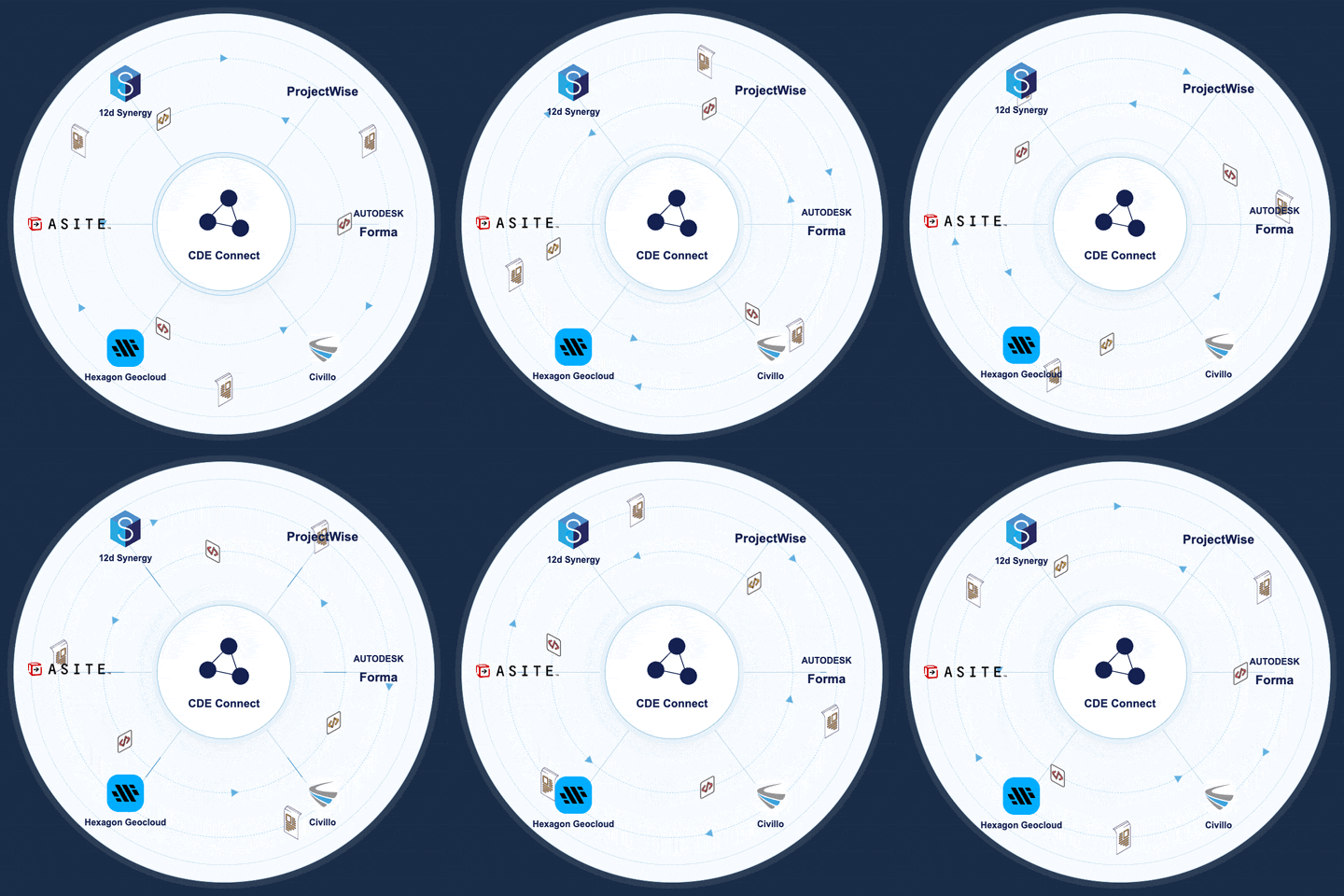
Major infrastructure projects rarely operate within one platform. The client may manage internal records in SharePoint, engineering teams may work in Bentley ProjectWise, delivery team may coordinate through Autodesk Forma, and project correspondence may sit in Asite. Contractors and delivery partners can also operate their own controlled environments.
Each platform serves a purpose. The challenge is moving project information reliably across the organizational and system boundaries between them.
Data exchange shouldn’t be hard work
When project teams work across multiple platforms, keeping information aligned becomes manual work and small gaps quickly turn into rework.


Different systems create different “truths”, so teams end up coordinating from inconsistent sets.

Manual exports and uploads slow delivery and introduce avoidable errors under deadline pressure.

Metadata is often lost during handover, making it hard to track status and suitability.

Version drift triggers rework when one platform updates and the other doesn’t.

Naming and structure become inconsistent across systems, which makes retrieval and governance harder.

Audit gaps appear during QA and claims because it’s unclear what was issued, when, and by whom.

Access control becomes messy when files are copied between systems instead of governed end-to-end.

Complex deliverables are hard to validate after transfer, leading to missing items and broken dependencies.
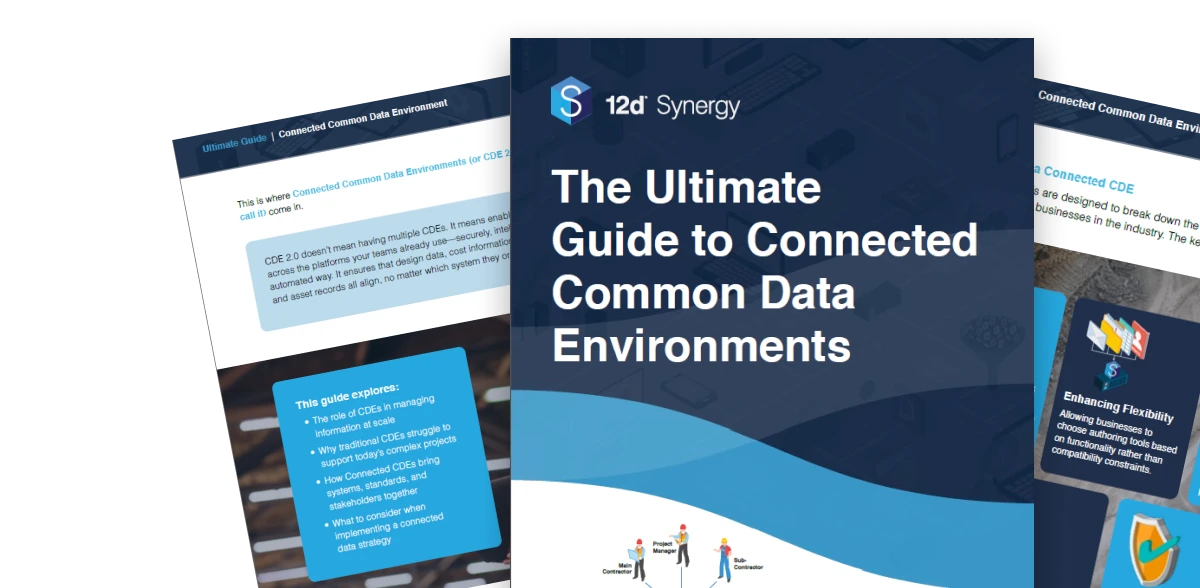
Fill in the form to download the guide and learn what Connected CDEs are, why they matter, and how to connect tools, teams, and data more effectively.
What is CDE Connect?
CDE Connect links the Common Data Environments used across infrastructure and civil engineering projects – from roads and rail to water, energy and land development. It enables files, models and metadata to move securely between platforms, with automated syncing helping reduce duplicate handling, outdated information and manual transfers.
It works alongside the platforms your teams already rely on, helping information move between systems while every organization continues working within its own CDE.
Set the Exchange Once. Keep Information Moving.
CDE Connect creates a controlled route between the platforms used across your project. Instead of relying on teams to repeatedly download,
repackage and upload information, agreed exchange rules manage how data moves between connected environments.
Connect the environments
Configure the source and destination platforms used by the project.
Define what needs to move
Select the files, models, folders and supported metadata required by the receiving team.
Align the information
Map naming, folder structures and supported metadata to the requirements of the destination platform.
Automate the exchange
Trigger transfers on an agreed schedule, through a workflow or manually when required.
Monitor the outcome
Track completed exchanges and notify the appropriate team when information has moved or requires attention.
See where CDE Connect fits
Explore common ways infrastructure teams can keep information moving across project platforms and organizational boundaries.
Use case 01
Coordinate Design and Delivery CDEs
Move approved drawings, models and associated metadata from the design environment into the platform used by the delivery team.
Delivery teams work from the latest approved design information, without manual re-uploads between platforms.


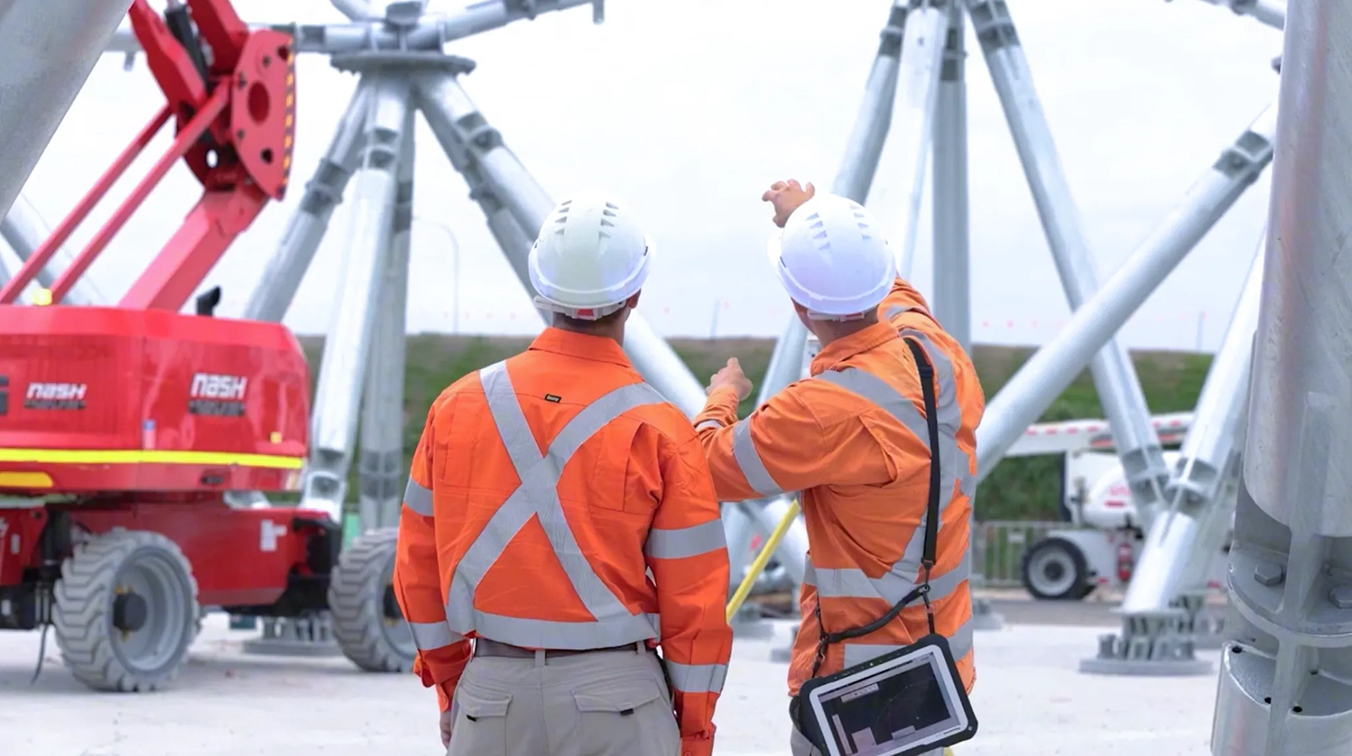
Exchange information between Common Data Environments without forcing everyone onto the same system.
Reduce coordination rework
Replace manual exports with automated data flow between environments. Keep issued packages consistent and reduce rework caused by teams coordinating from different versions or incomplete metadata.
See howShare validated survey sets
Transfer survey deliverables as a complete working set so dependencies stay intact. Reduce duplicate versions and keep traceability when data moves between office, delivery partners, and downstream systems.
See howProve what was issued
Maintain naming consistency, traceability, and evidence of what moved where and when. Support governance requirements without adding admin overhead to the project team.
See howStay in control across delivery partners
Maintain visibility into project information as it moves between the platforms your delivery partners use, without depending on manual updates to stay current.
Book a DemoReduce repetitive transfers
Cut down on manual re-uploads between platforms while preserving traceability, so records stay accurate without repeated manual handling.
Book a DemoConnect environments, not platforms
Keep project environments talking to each other without forcing teams onto a new platform or rebuilding existing integrations.
Book a Demo




Fill in the form to download the guide and learn what Connected CDEs are, why they matter, and how to connect tools, teams, and data more effectively.
Customer Success Stories

Frequently Asked Questions