
Geospatial Data Management
Manage large geospatial datasets faster, without breaking references
Folder-based geospatial data management for survey, CAD and GIS workflows. Faster transfers, safer collaboration, and full traceability.






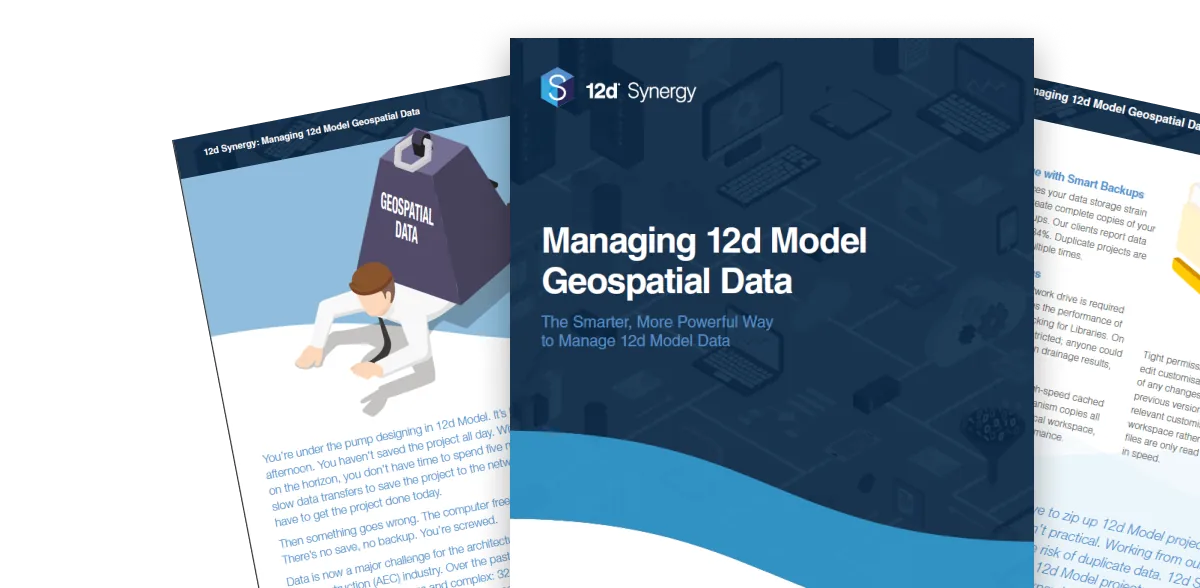
Fill in the form to get the eBook and learn how 12d Synergy helps improve control, performance, and consistency for 12d Model data.
Why traditional file sharing fail geospatial teams
Modern AEC project delivery runs on massive datasets, and generic file shares weren’t built for folders of interdependent project files.
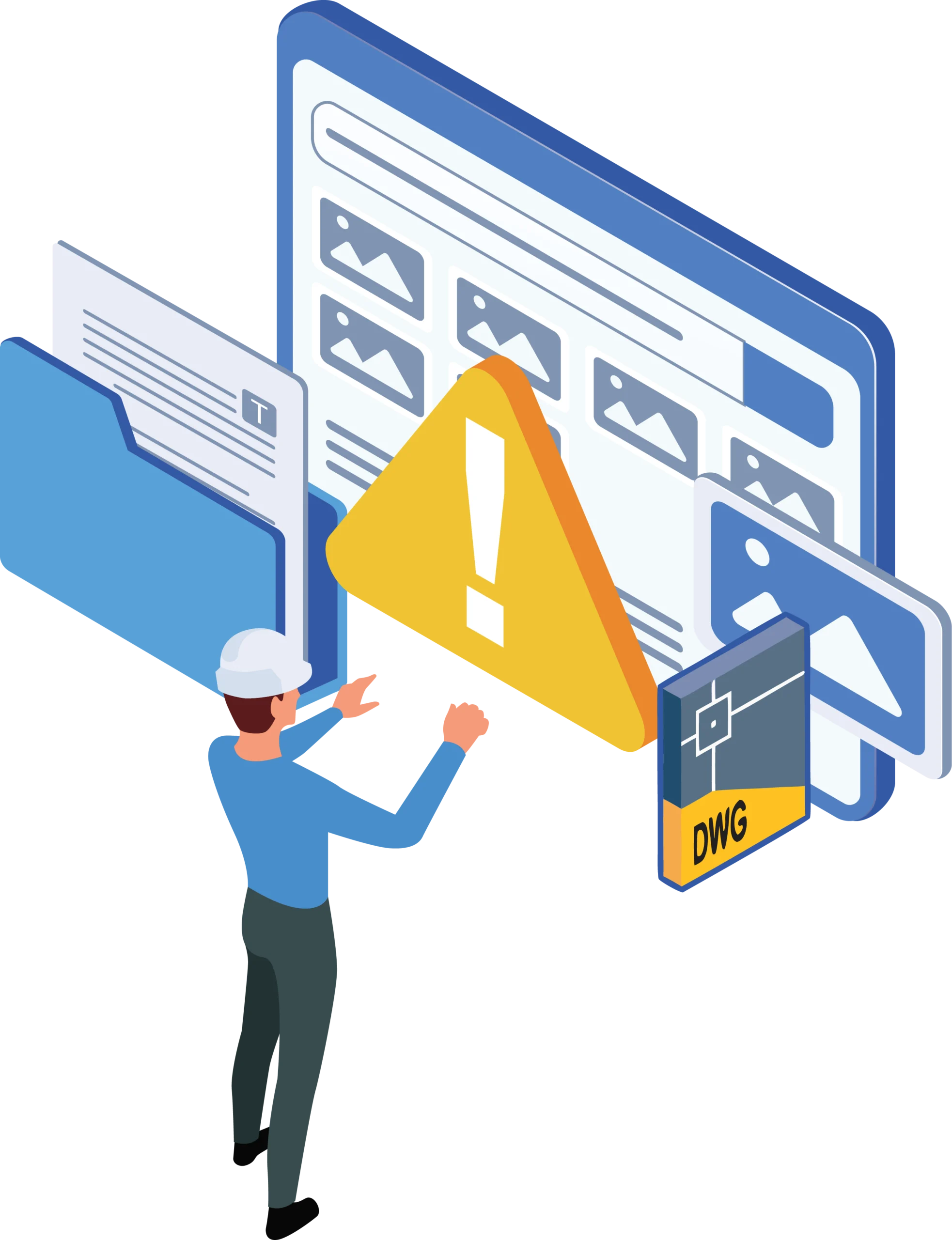

Network drives strangle geospatial software resulting in slow load times, slow saving and slow performance.

Generic sync tools can corrupt “folder-of-files” projects and break dependencies.

Wasting hours of billable time waiting on 20–30-minute data transfers.

Slow, unreliable data transfers chain you to your desk preventing you from working on your projects remotely.

Duplicate versions trigger rework and confusion over what’s “latest”.

No clear audit trail of project changes and no capability to roll back to previous versions.
Geospatial data control that keeps
projects moving
12d Synergy brings order to geospatial datasets with folder-based controls, faster transfers, and complete traceability—so survey, CAD, and GIS teams can collaborate without corruption, rework, or "latest version" confusion.
Work locally for speed with centralised oversight and backups.
Transfer only what changed to cut sync times on large datasets.
Protect folder-based projects so dependencies and references stay intact.
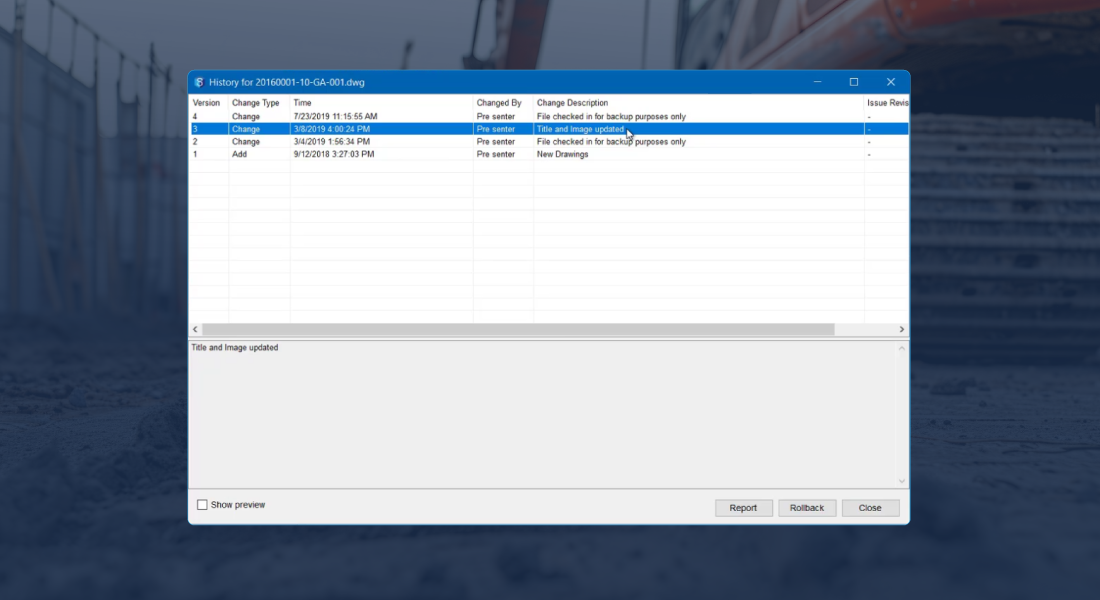
Stay align on latest with version history, audit trails, and rollback.
Keep datasets searchable using attributes including location and coordinates.
Data storage reductions of up to 84% as 12d Synergy's inbuilt version control system eliminates the need for milestone backups.

Field-to-office workflows without broken datasets
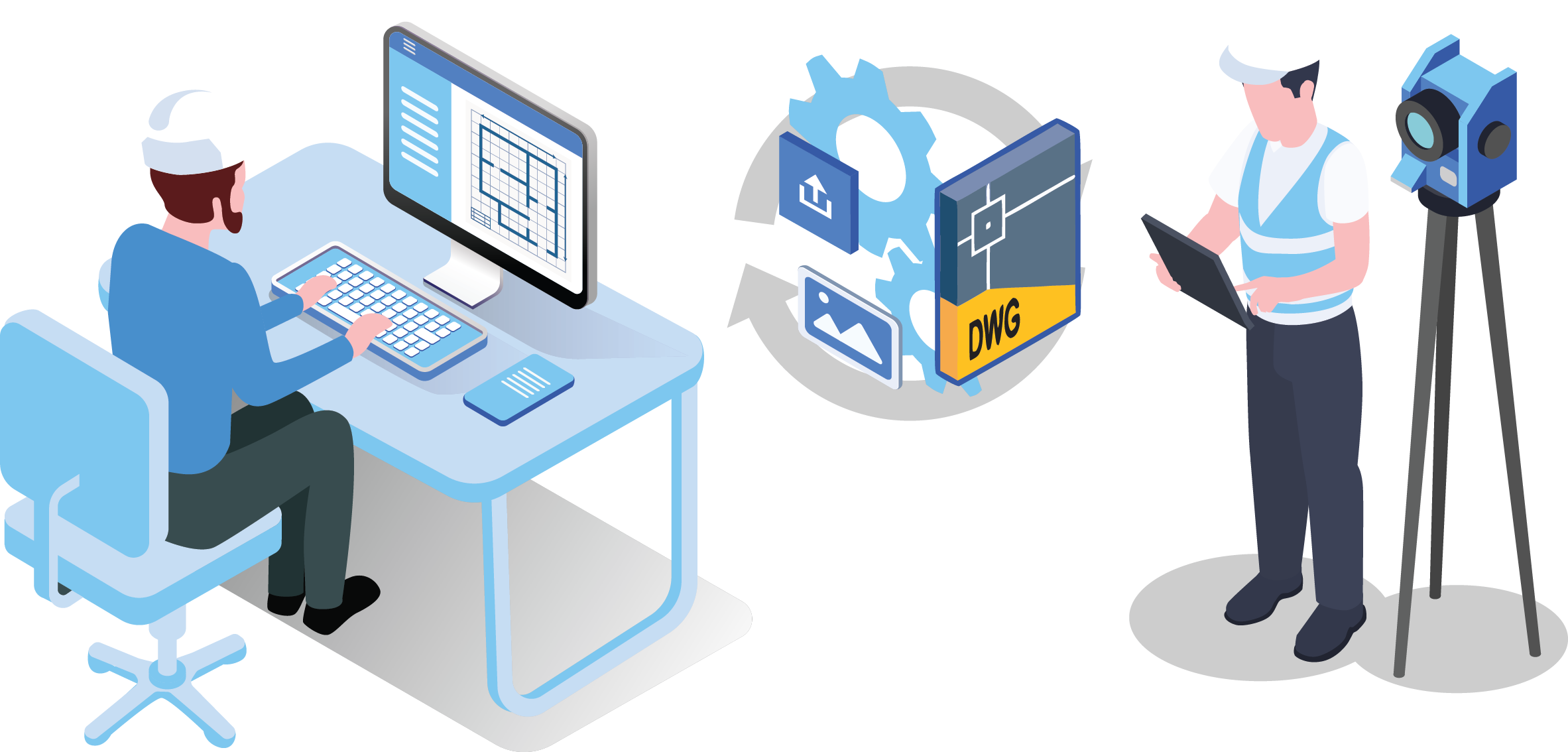
Geospatial work shouldn't depend on USB handoffs or slow remote connections. 12d Synergy supports offline-friendly ways of working so crews can work locally, then sync changes back into the approved dataset when they reconnect. Folder-based controls help protect dataset integrity, while version history makes it clear what changed and when. The result is safer collaboration across office and field teams, even when bandwidth is limited.
Offline-friendly syncing that protects dataset integrity.
Clear approved-set visibility vs work-in-progress visibility.
Faster handovers between field and office.
Full traceability for QA and disputes.
Built-in controls that prevent rework
Standardise naming, manage versions, track transmittals, and keep a complete record without slowing delivery.
Work Sharing
Transfer only what changed, not the full project, so large LiDAR and geospatial datasets move faster across offices and remote links.

Dataset Integrity
Protect folder-based projects with managed datasets that preserve dependencies and reduce data corruption risk.

Version Control
Never lose track of changes with automated version control and a complete audit trail, so you can trust what was used in the field.
Integrations
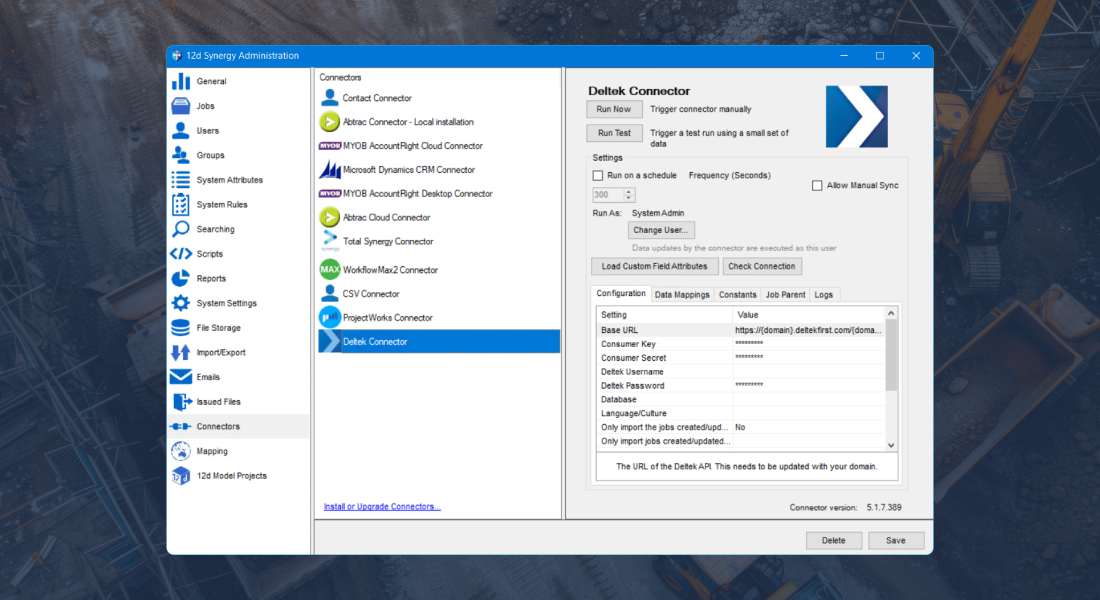
Being a vendor agnostic platform, leverage existing hardware and software such as Leica, Trimble, Topcon, GIS, CAD and many more.
Spatial Search
Search and visualise jobs, contacts and assets on a map using address or coordinate attributes so field and office teams find the right location fast.


Seamless integration across your technology stack
Integrate your core systems into an open, data-agnostic environment, so project information flows consistently without vendor lock-in.
Keep the latest dataset field-ready
Manage survey deliverables and spatial files as a protected working set, so crews always pull the latest approved data before they measure. Folder-based controls reduce broken references and duplicates, while version history and audit trails show exactly what changed between office and field.
See howReduce coordination rework
Keep GIS and survey inputs consistent across disciplines by controlling versions and release-ready data packages. When spatial datasets update, traceability and rollback help teams coordinate from the same approved information and avoid rework caused by outdated base data.
See howDesign with confidence
Access the right spatial files fast, work from the latest approved datasets, and avoid "final_v7" confusion when drawings rely on updated survey inputs.
See how


Fill in the form to get the eBook and learn how 12d Synergy helps improve control, performance, and consistency for 12d Model data.
Customer Success Stories

Frequently Asked Questions