
Engineering Data Management Software
Your Files. Your Metadata. Always in Sync.
Standardise attributes, approvals, and maintain a clear audit trail so files and metadata stay accurate across all tools and project phases.







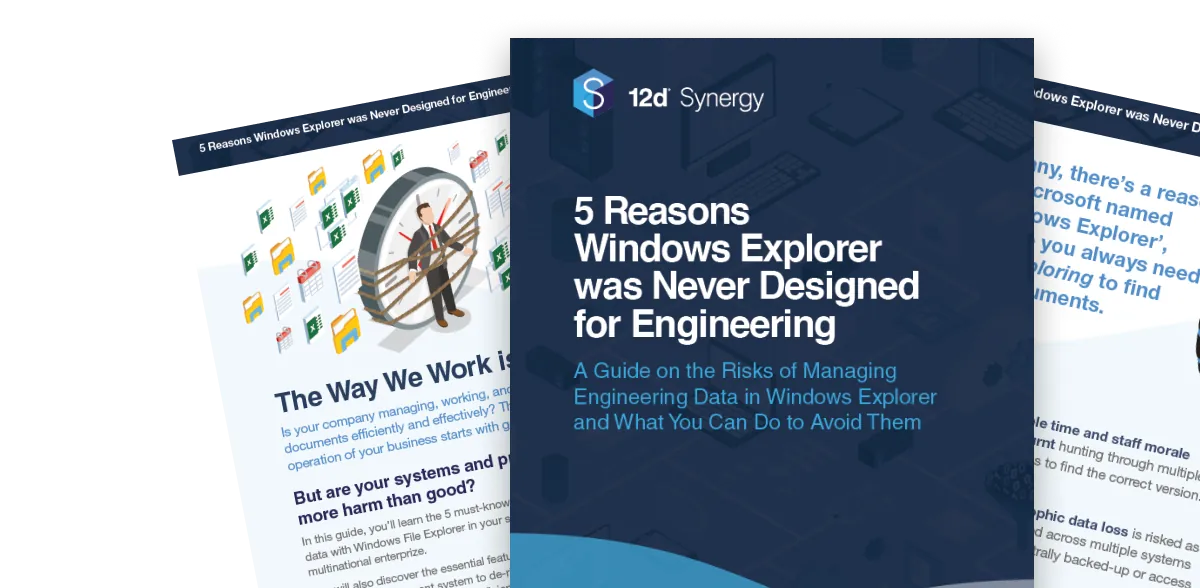
Fill in the form to download the guide and learn the risks of managing engineering data in Windows Explorer and how to avoid them.
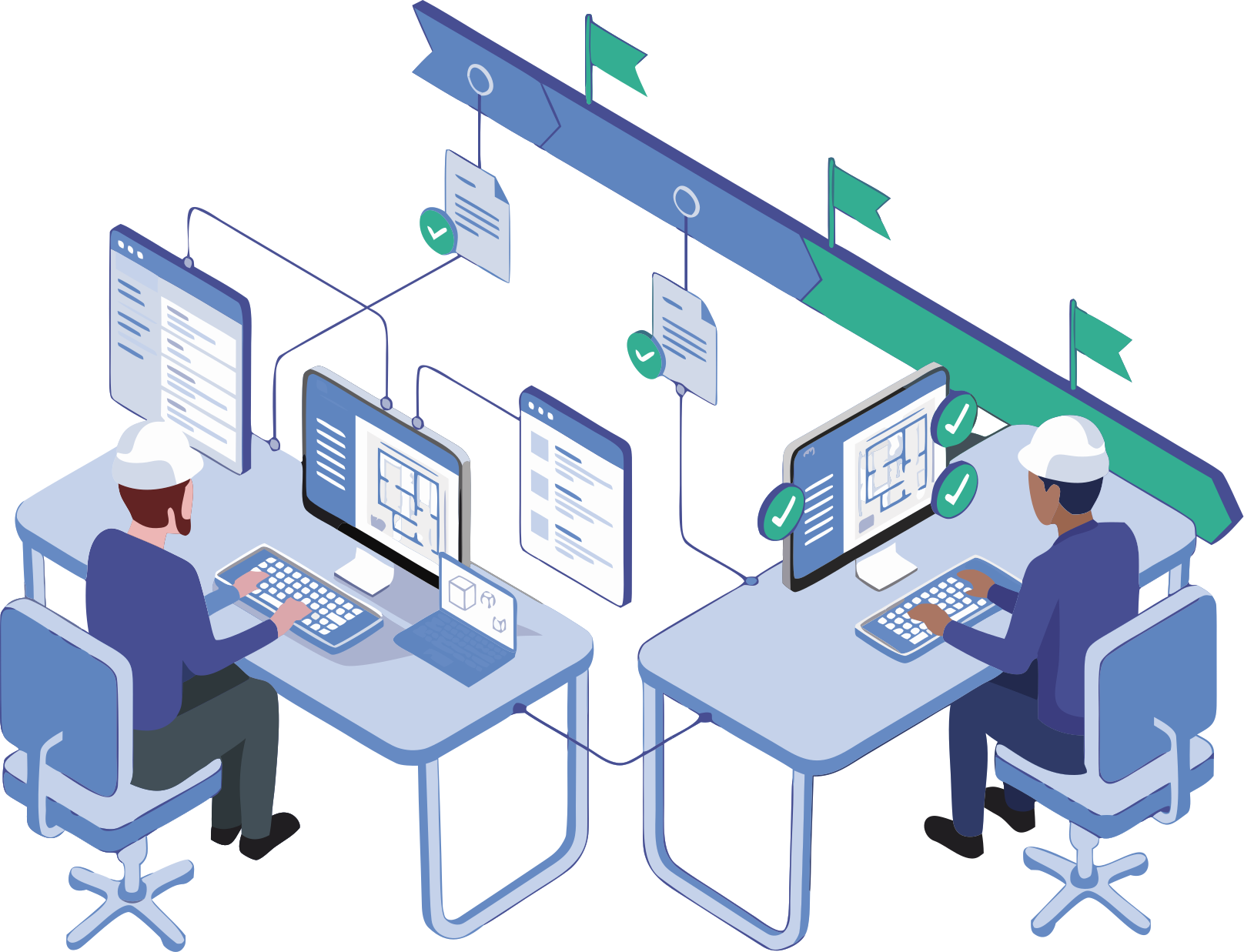
Engineering data management (EDM) is the structured governance of technical files, metadata, attributes, and approval states across the project lifecycle. In AEC, this means every document from CAD drawings to survey datasets carries the right properties, has passed the right approvals, and reaches the right teams in a trusted state.
12d Synergy is your engineering Common Data Environment standardising attributes and naming, enforcing ISO approvals and preserving complete version control for files and metadata, including composite datasets like DWG Xrefs, 12d projects and more. We connect directly into your existing software stack, so information flows accurately between environments without rework.
Why Generic Engineering Data Management Fails in Engineering and Construction Delivery?

Inconsistent Attributes
Naming and metadata diverge from the BIM Execution Plan and Employer's Information Requirements, forcing expensive manual reconciliation at every review stage.

Composite Dataset Corruption
Generic sync tools destabilise complex geospatial data sets like DWG Xref trees, 12d Model projects, and raster stacks, corrupting deliverables and delaying issue.

No ISO Gates Lead to Stale Sets and Rework
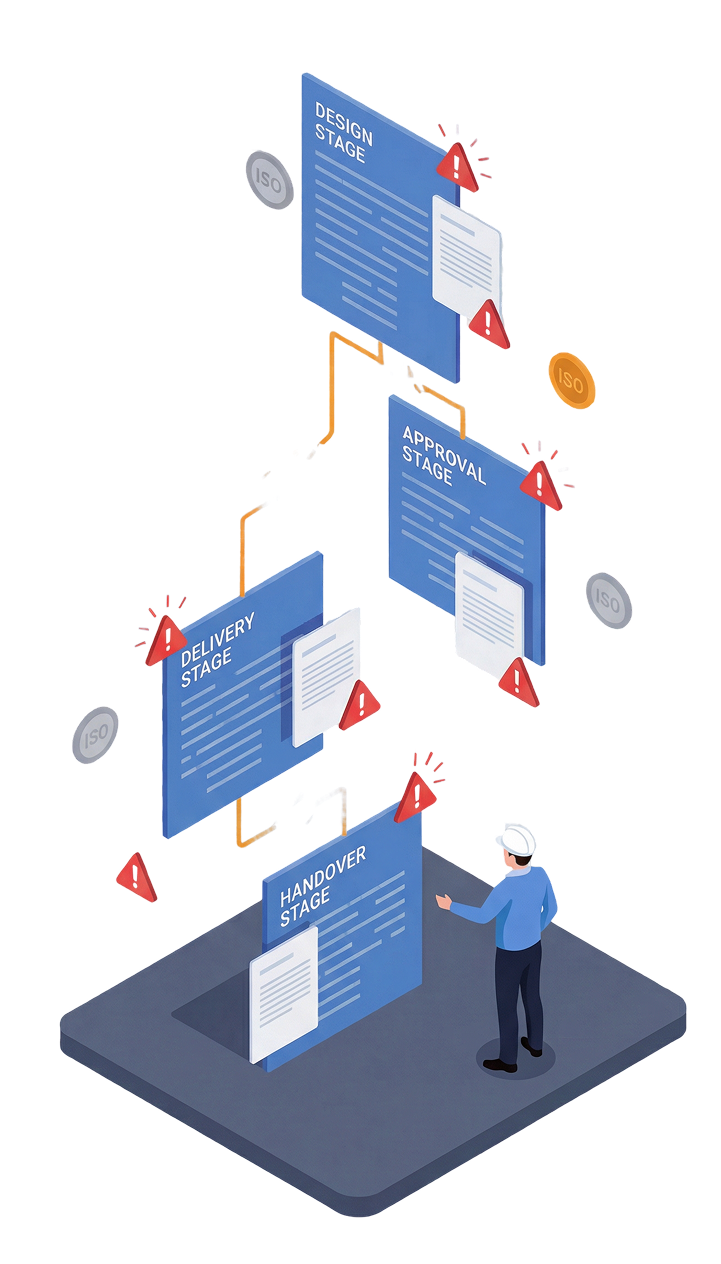
Without WIP → Shared → Published approval controls, unapproved information reaches downstream teams and drives costly rework.

Metadata Lost During CDE Handoffs Files move between CDE's while suitability codes and attributes stay behind, breaking traceability at the critical handover moment.
Risky Remote and Offline Work Field teams working offline without governed check-out create conflicting versions that are difficult to reconcile without data loss.
No Audit Trail for QA and Disputes When issues arise, there's no evidence of who approved what and when, leaving teams exposed in QA reviews and contractual disputes.
Generic EDM and Product Lifecycle Management (PLM) tools weren’t built for this industry. They ignore ISO gates, break composite datasets, and drop metadata during CDE handoffs, leaving teams working from stale sets and absorbing costly rework.
Information errors and poor data governance are among the leading drivers of rework in AEC projects, contributing to schedule overruns and contractual disputes that could be avoided with the right controls in place.
What Better Engineering Data Management Delivers
When files, metadata, and approvals are governed in one place, the gains show up across every phase of the project from design coordination to owner handover.
Reduce Rework
Approved, attribute-complete information reaches every team on the first go, eliminating the back and forth caused by stale sets, broken Xrefs, and missing metadata.
Meet ISO Requirements Without extra handling
Approval gates, suitability codes, and audit trails are enforced by the system so compliance is built into every project right from the start.
Accelerate Project Delivery
Automated attribute validation, approval workflows, and CDE publishing remove the manual steps that slow teams down between design, review, and construction.
Protect Handover Quality
Files and metadata stay together from design through to owner handover, so the information package your client receives is complete and traceable.
Reduce Risks on Disputes
A time-stamped, tamper-evident audit trail means you always have the evidence of who approved what and when across every file and every phase, reducing risks if disputes arise.

Reduce admin time, prevent errors, and keep drawing sets consistent across teams and offices.
Standardise & Automate
Constrain naming, attributes and suitability to value in your BEP and EIR so properties are complete and consistent, without manual policing.
Automate Workflows
Enforce WIP to Shared to Published approvals with notifications and suitability codes so only approved information progresses.

Version Control
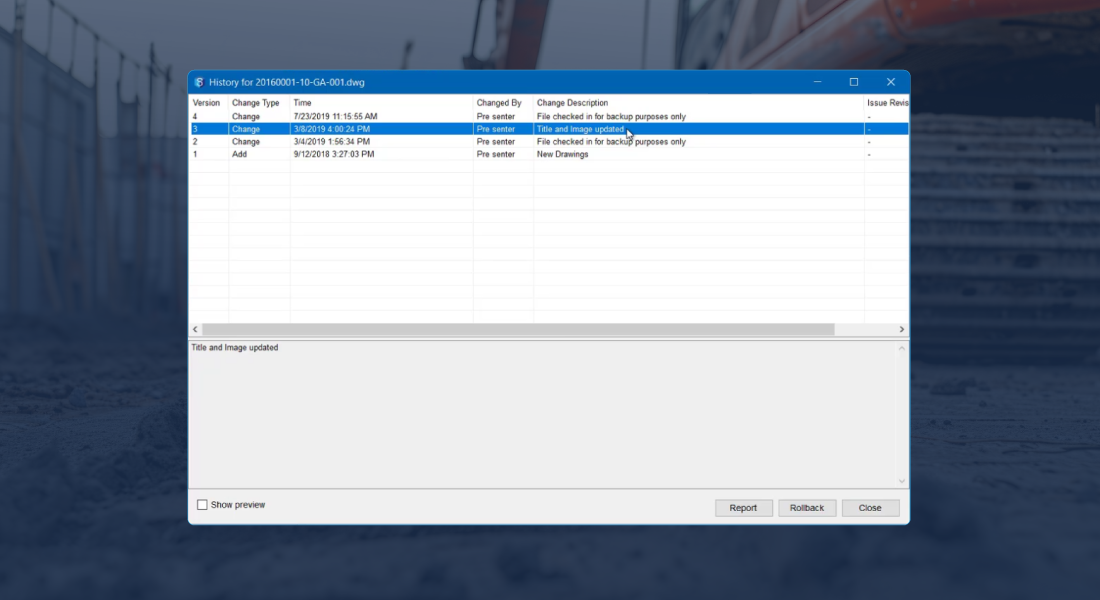
Track who changed what and when for files and metadata, with full version history across files and safe rollback on datasets.
Geospatial Data Management
Manage and transfer complex datasets and attributes seamlessly, with smooth integration across leading geospatial modelling and drafting applications.

Integrations
Connect with other CDE's (including Autodesk Construction Cloud, ProjectWise and many more) to eliminate manual data transfers across your project ecosystem.

Security & Compliance
Individual, Group or role-based access, encryption and full audit trails to evidence compliance and resolve disputes fast.


Seamless integration across your technology stack
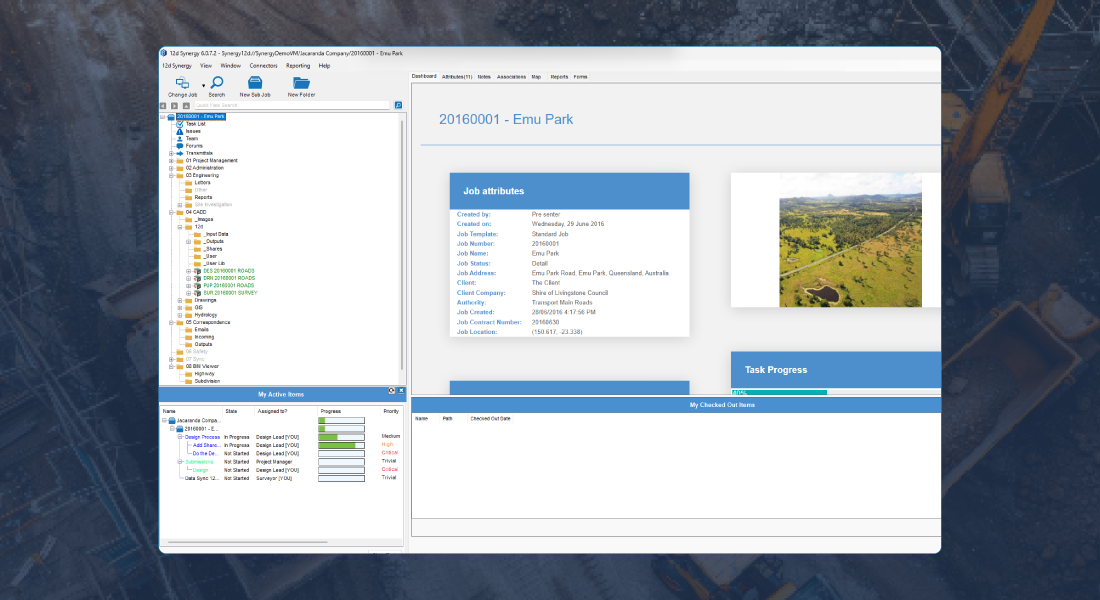
An effective engineering data management platform provides a governed single source of truth for design, CAD and survey information across the project lifecycle. It keeps files and metadata together and aligned, enhancing collaboration between BIM, digital engineering, design, construction and owner teams.
How teams use engineering data management
Reduce coordination rework
Standardise attributes and naming, enforce checks against the BEP and EIR, and control approval gates that prevent unapproved information from reaching other CDEs. Reduce rework and keep your information model trusted throughout every project phase.
See howKeep the latest dataset field-ready
Govern complex folders of files like rasters, point clouds, 12d Model projects and more, as complete composite sets. Keep metadata attached to deliverables through every transfer and support safe offline field-to-office cycles without corruption or data loss.
See howDesign with confidence
Lockdown DWG files and Xrefs so references pathing stays stable. Version history and safe rollback eliminate revision confusion and ensure every team members works from the right file, every time.
See how


Fill in the form to download the guide and learn the risks of managing engineering data in Windows Explorer and how to avoid them.
Customer Success Stories

Frequently Asked Questions