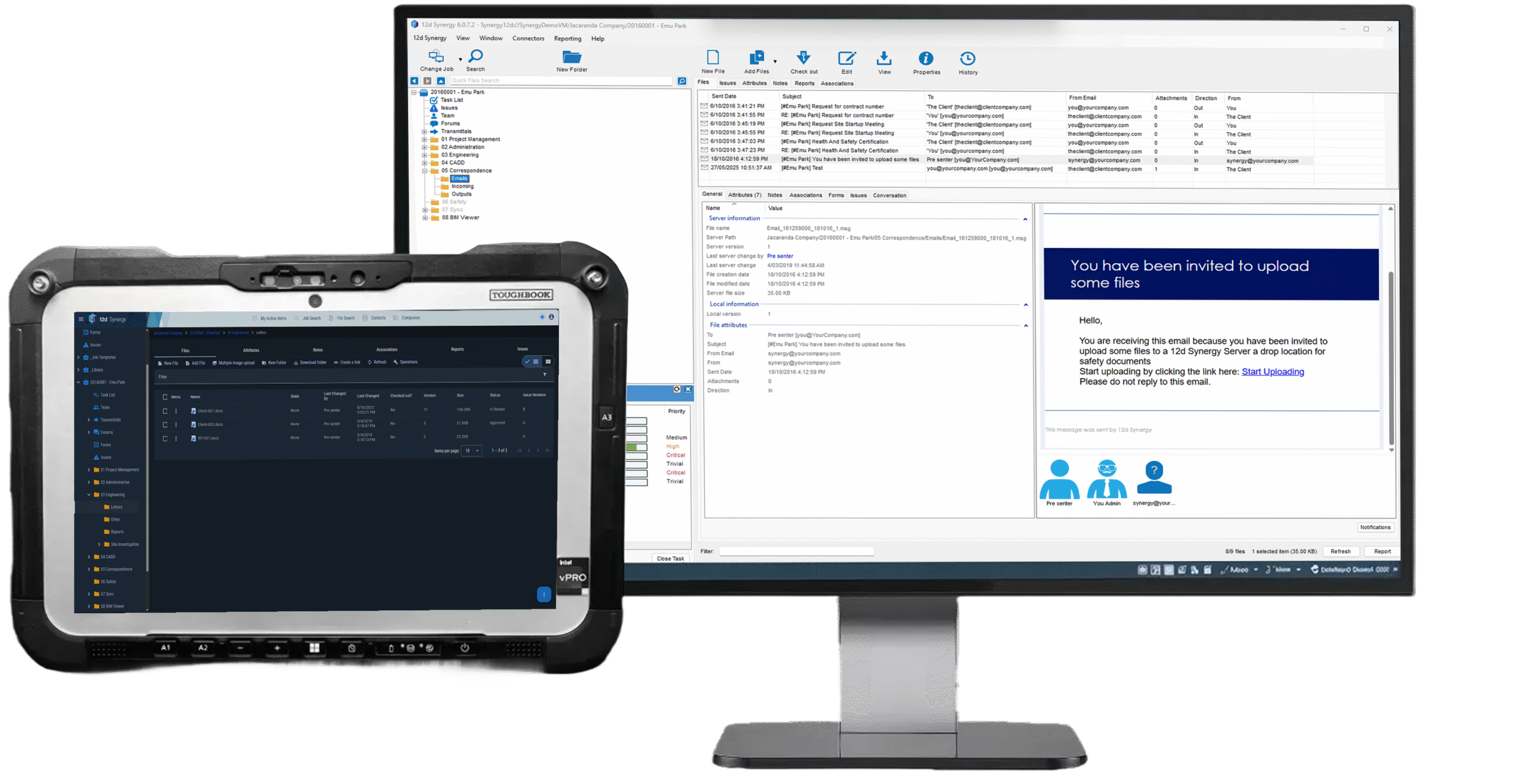
Manage emails, documents, drawings and metadata in one governed system with approvals, version control and a complete audit trail.






Why project information turns into chaos
When information lives across inboxes, shared drives, and multiple platforms, teams lose time and trust.


Decisions get trapped in inboxes so teams can’t quickly prove what was agreed and when.

Files drift into duplicates and “final_v7” versions when there’s no controlled release process.

Metadata gets lost in handover so teams can’t reliably search, filter, or validate “approved” sets.

Finding the right file takes too long when information is scattered across folders and systems.

Audit trails are incomplete when evidence is split across tools, people, and ad-hoc processes.

Audit gaps appear during QA and claims because it’s unclear what was issued, when, and by whom.
Project delivery depends on fast access to trusted information, but generic storage and disconnected tools rely on perfect behavior under deadlines. The result is version confusion, slow retrieval, and higher risk when QA issues or disputes arise. You need a governed way to manage project information, such as files and metadata together, so teams can collaborate confidently and always work from the latest approved set.
Turn emails into a project record, not a liability
Email still carries critical instructions, approvals, and commercial risk, but it’s usually stored in personal inboxes and hard to retrieve when it matters. 12d Synergy connects project emails to the job so correspondence and attachments become part of the governed project record.
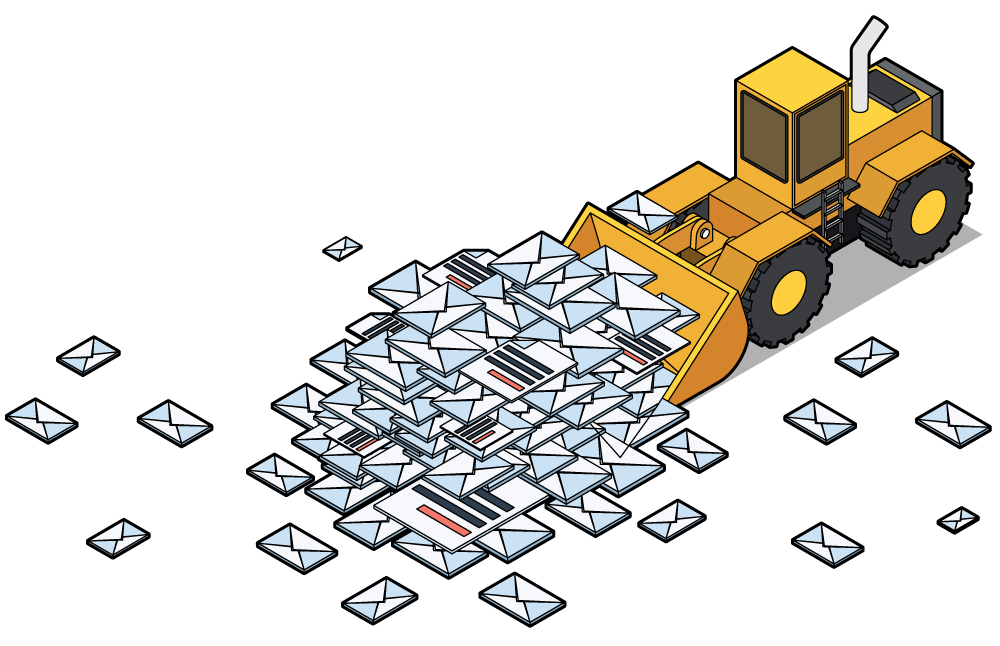
Keep key correspondence tied to the job, not the individual.
Find email evidence fast when issues escalate.
Reduce duplication and “lost in inbox” risk across teams and turnover.
Free up your overflowing Outlook inbox.
Protect yourself and your business from litigation.
Standardize how information is created, approved, and shared, so teams spend less time searching and less time fixing mistakes.
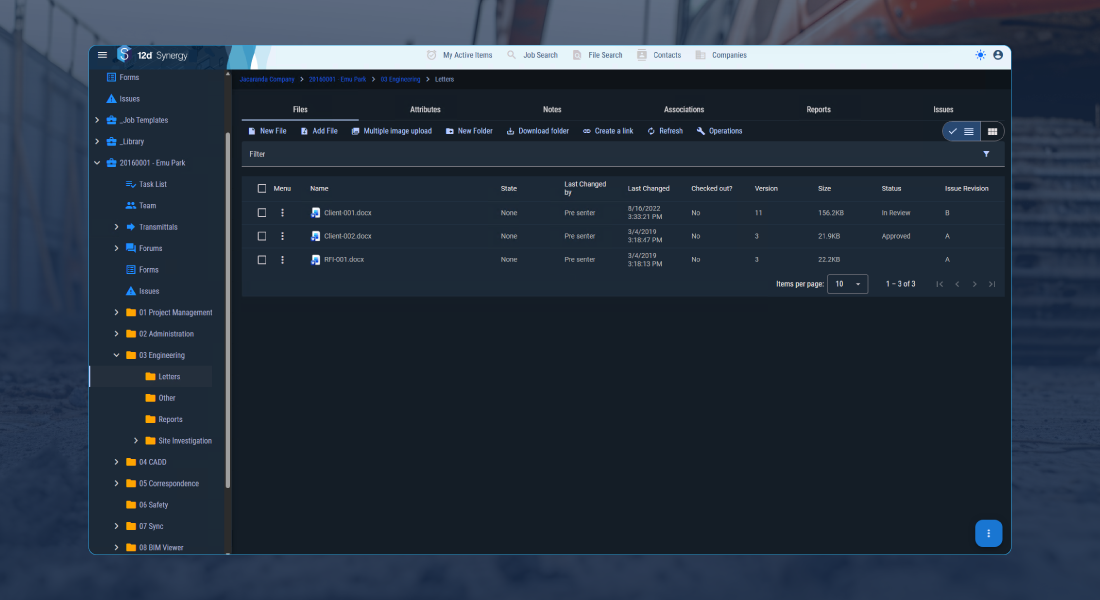
Centralized Data Management
Securely store and manage all your project data in a single, centralized repository, ensuring easy access and consistency across project teams.
Automate Workflows
Customize workflows that automate routine tasks and consistent processes across all projects. Workflows can trigger tasks, notification reminders, locking files and reports. Approval gates enable ISO 19650 or 9001 certifications.

Document Management
A secure and structured hub for centralized access to the latest version of all project and organized-wide documents, such as Microsoft Word, Excel, PDFs and more.
Email Management
A single filing system for all incoming and outgoing emails, with Outlook integration to automate intelligent filing, ensuring emails are never lost.

Version Control
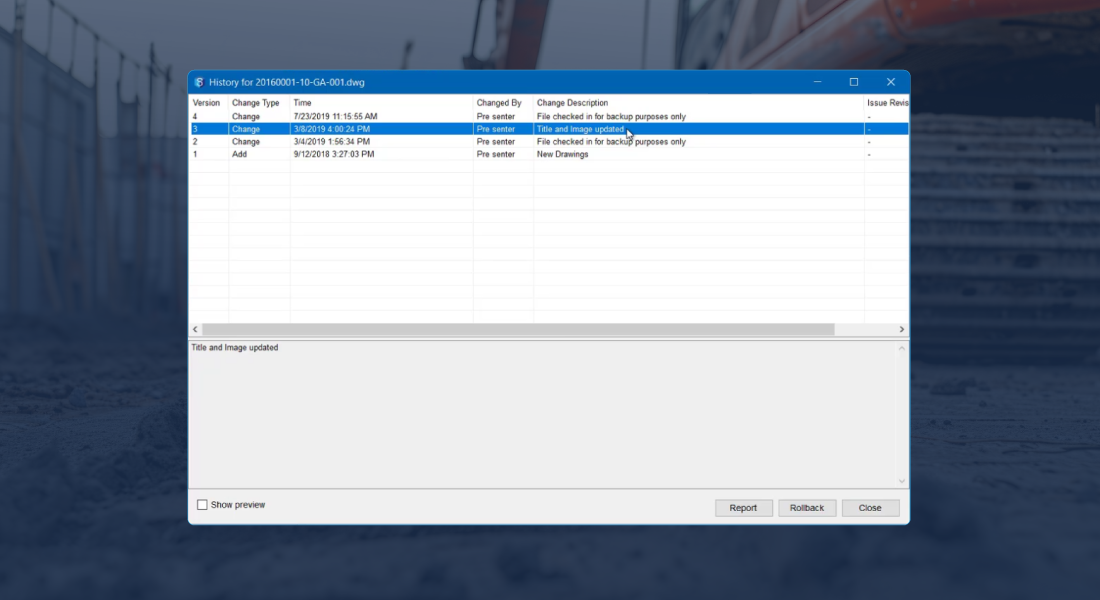
Never lose track of changes with automated version control and a complete audit trail, making it easy to manage revisions and maintain a clear history of your data's progress.
Security
Keep your data safe with enterprise-grade security features, including user group or role-based access controls, audit trails and data encryption.

Web & Mobile
Check status and sync from site with offline-friendly workflows that ensure you can view, edit or manage data anytime, anywhere.


Seamless integration across your technology stack
Integrate your core systems into an open, data-agnostic environment, so project information flows consistently without vendor lock-in.
How teams use information management
Reduce coordination rework
Control releases and metadata so every discipline coordinates from the same approved information. When inputs change, teams can track what changed and avoid rework caused by outdated sets.
Keep delivery on track
Find the latest approved documents and key decisions quickly. Audit trails and approvals reduce back and forth and help you keep stakeholders aligned.
Govern standards at scale
Apply consistent metadata, naming rules, approvals, and traceability across projects so information is structured, searchable, and defensible from delivery through handover.


Customer Success Stories

Frequently Asked Questions