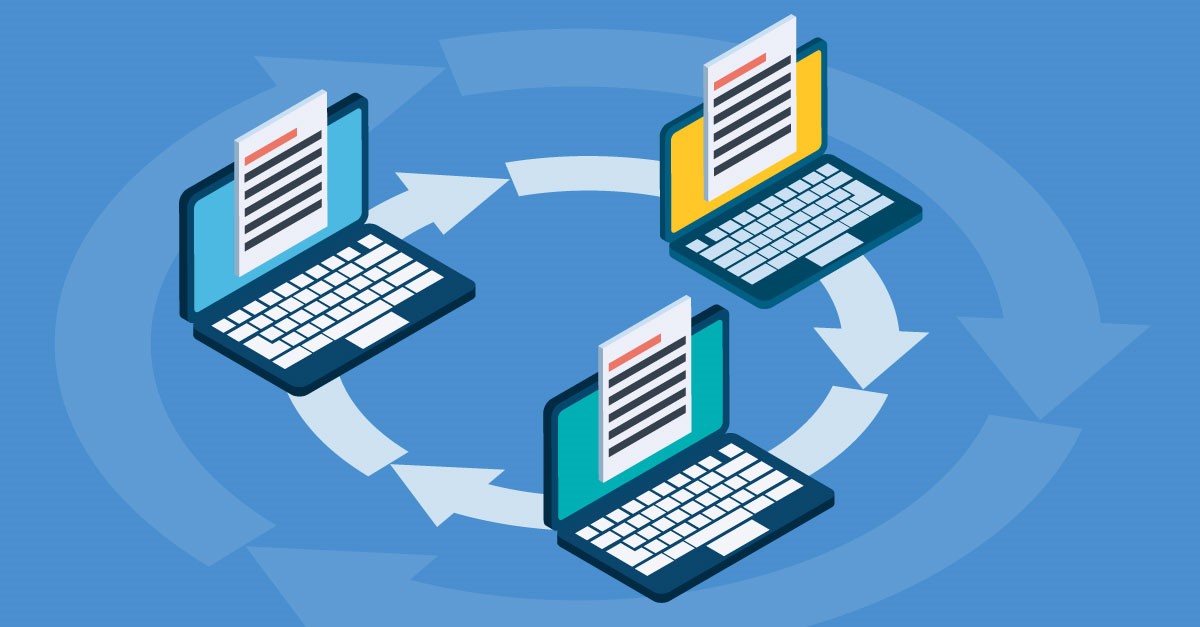
Internal Issuing
Internal Issuing brings that same tracked, traceable process to data shared within your own organisation — no more emailing files out and uploading them back in just to keep a record.
Make project information easier to manage with 12d Synergy.
From documents and drawings to emails, models and workflows, 12d Synergy brings everything together in one secure system so your team can work more efficiently from day one.
Book a DemoIssuing Data to Clients
In this industry, data is constantly changing hands — between teams, sites and offices, from designers to clients to construction.
This process is called issuing: the formal distribution of deliverables, like PDFs and drawings, to another organisation such as a client or contractor.
Issuing can often be error-prone and untracked, leading to disputes over missing or outdated versions, and putting your intellectual property at risk of ending up with the wrong parties.
12d Synergy solves this by letting you formally track and manage your data in a controlled, standardised process with complete traceability. Your data stays safe, issued through private download links in your web browser. It’s a tool that wouldn’t look out of place in a 007 movie.
Issuing can be enabled by your system administrator.
Internal Issuing
Issuing was previously designed for external sharing — sending documents to clients and contractors outside your 12d Synergy environment. But what about formally passing data to people within your own system?
With Internal Issuing, files and data can be issued to people inside your 12d Synergy environment too. You get the same tracking benefits as a standard transmittal, but the data stays inside 12d Synergy the whole time — no emailing files out, then uploading them back in.
Internal Issuing creates a new copy of the data, complete with attributes and a record of who sent it, when it was received, and why. The copy happens entirely on the server, so the person issuing doesn’t need to download anything — a fully automated breadcrumb trail for your data.
How to Use Internal Issuing
Navigate to the Issued Files tool in your job tree, select the file to be issued, and click the ‘Issue’ icon in the ribbon bar.
When issuing a set of files, select ‘Issue Mode’ as ‘Internally.’ You’ll then be prompted to choose where to copy the files within 12d Synergy.
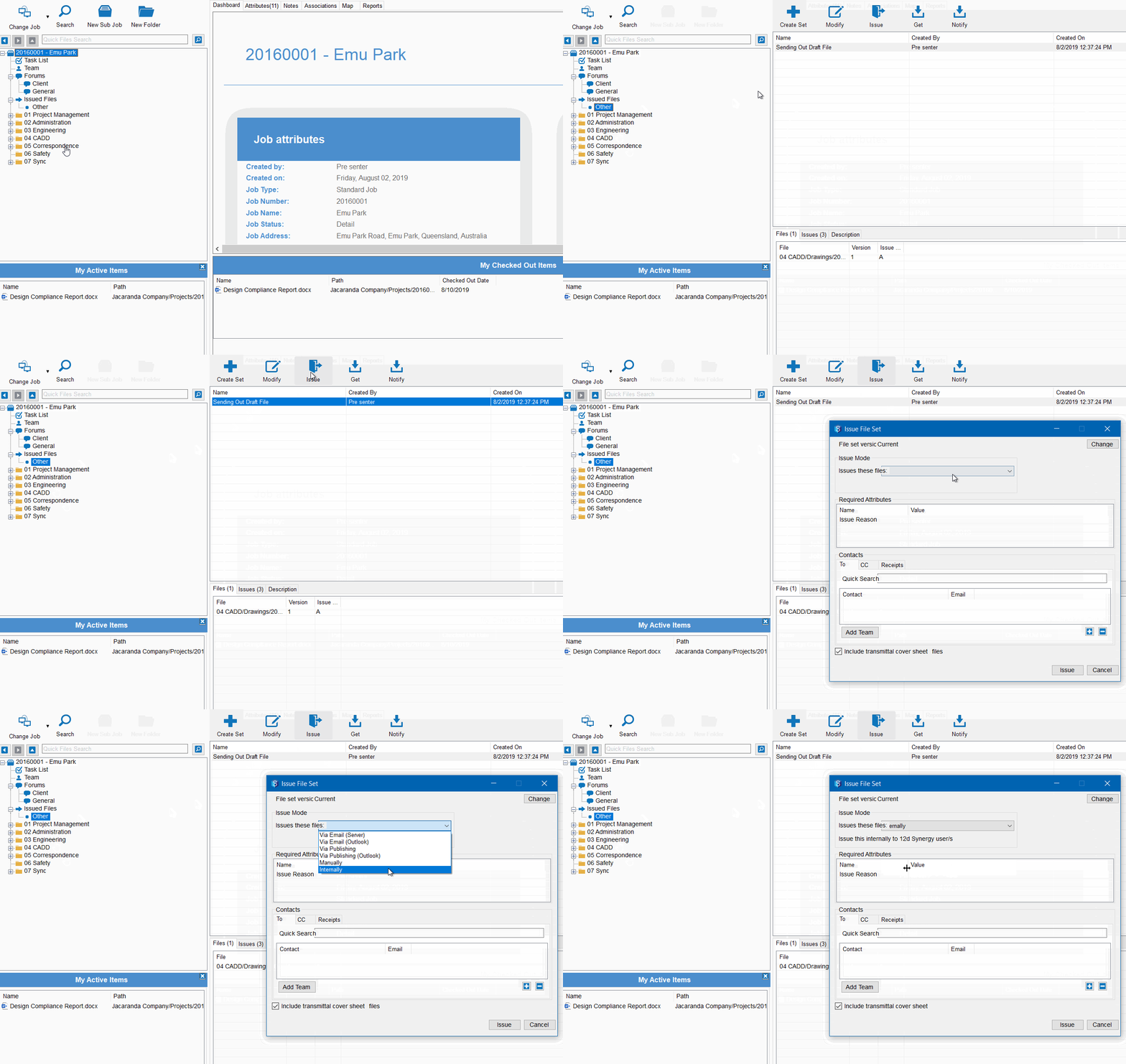
Your files are copied with all their attributes, and a notification email is sent to the person or people you’re issuing to — including a transmittal document and a link to the file’s new location in 12d Synergy.

12d Synergy
Common Data Environment
Make project information easier to manage with 12d Synergy.
From documents and drawings to emails, models and workflows, 12d Synergy brings everything together in one secure system so your team can work more efficiently from day one.
Book a Demo