Streamline Your Project Management with Projectworks and 12d Synergy
Why it matters
Spend Less Time on Project Setup and More Time on Delivery
When a project is created in Projectworks, 12d Synergy builds the job automatically so your team picks up work straight away instead of waiting for someone to set things up.
Automated Project Creation
When a project is created in Projectworks, 12d Synergy builds the job automatically with folder structures and permissions already in place based on your templates. No double entry, no setup delay.
Mapped Project Data and Contacts
Project fields in Projectworks map directly to job attributes in 12d Synergy, so documents, drawings and models are tagged to the right job from day one. No manual reconciliation, no chasing people for job numbers at month end.
Fits Your Workflow, Not the Other Way Around
You control which fields map where, so the integration works around how your team already operates rather than forcing a process change.
How It Works
How Projectworks and
12d Synergy Work Together
12d Synergy is ISO 19650-ready, giving your team version control, audit trails and structured project information management from the moment a job is created. Share your important project data from Projectworks into 12d Synergy, saving you time, reducing human error, and establishing an end-to-end solution for all your project needs.

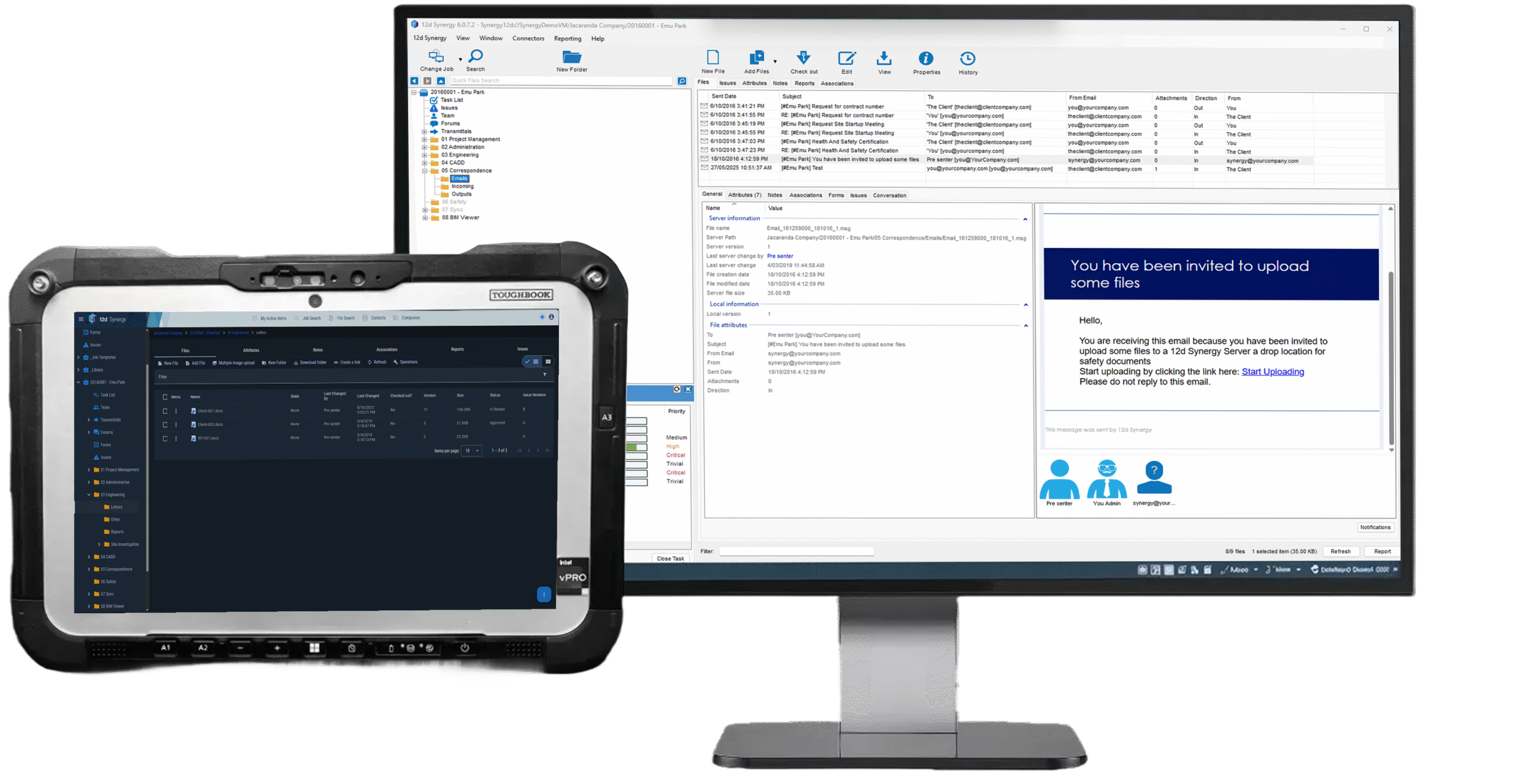
When a project is created or updated in Projectworks, 12d Synergy picks it up automatically. Project data maps across to job attributes in 12d Synergy, so your documents, drawings and project information are always linked to the right job. You control which fields map where, so the integration fits your existing workflow rather than forcing you to change it.
Want to see exactly how the data maps across? Read the full Projectworks connector documentation.
Book a demo
See It Running on Your Own Project Data
We'll walk your team through the Projectworks integration end to end and answer anything specific to how you work.
Book a demoExplore further
Where to go next
Take Control of Your Project Information
See how 12d Synergy’s information management solution keeps your project data structured, governed and accessible across your whole team from pursuit to closeout.
Explore Information Management →
Power Your Project Teams with Projectworks
Projectworks is a professional services software built for engineering and consulting businesses. Manage your projects, people and finances in one place.
Explore Projectworks →
Built for Project Managers
See how 12d Synergy is designed around the way project managers work — from setting up jobs and managing documents through to tracking progress and delivering on time.
12d Synergy for Project Managers →Book a demo
See it on your own project data
We'll walk your team through the Projectworks integration end to end and answer anything specific to how you work.
- A live walkthrough, not a sales pitch
- Run against your real project workflow
- 30 minutes, no commitment
FAQ
Common Questions From Project Teams
No. When a project is created or updated in Projectworks, 12d Synergy picks it up automatically. Project name, number, client, manager and dates all carry across without anyone having to touch them in 12d Synergy.
Jobs, companies and contacts all sync from Projectworks into 12d Synergy. That includes project names and numbers, start and end dates, job status, project manager, client details, billing contacts and payment terms. You control which fields map where during setup.
No. Projectworks stays exactly as it is. The integration runs in the background and pushes data into 12d Synergy automatically. Your team keeps working in Projectworks the same way they always have.
Yes. The integration is specifically built for engineering, architecture and consulting firms that run projects in Projectworks and need their document and information management connected to the same source of truth.