The Surveyor’s Guide to Common Data Environments
Survey data doesn’t sit still. It moves from the field to the office, gets checked, revised, shared with a contractor, referenced by an engineer, and eventually archived; often across a dozen different tools and folders along the way. The more stakeholders on a project, the more chances for someone to be working off the wrong version.
Imagine this: Greg, a drafter on your team, emails you a DXF, named whatever made sense to him that afternoon. Janice uploads hers to Dropbox with a naming convention only she follows. Both get the job done. Six months later, someone has to reconcile the two by hand, and nobody can say for certain which file was the one actually issued to the client.
A Common Data Environment exists to close that gap, but not every CDE is built with a surveyor’s workflow in mind. This guide covers what a CDE actually does, where it matters most depending on the type of surveying you do, and what to look for if you’re choosing one.
Make project information easier to manage with 12d Synergy.
From documents and drawings to emails, models and workflows, 12d Synergy brings everything together in one secure system so your team can work more efficiently from day one.
Book a DemoWhat is a Common Data Environment?
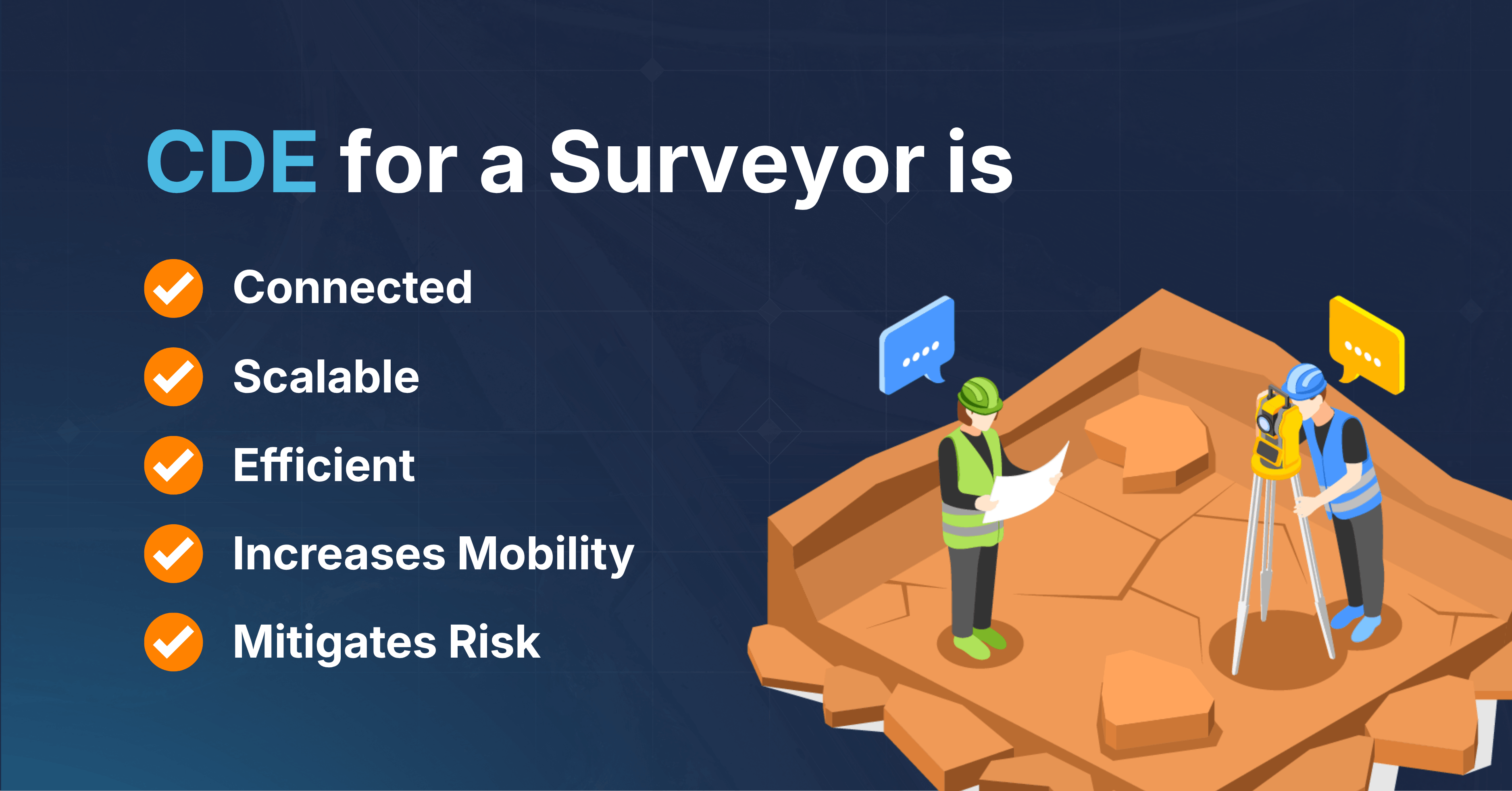
A Common Data Environment (CDE) is a centralised digital platform used throughout a project to store, manage and share data among everyone involved, like surveyors, engineers, contractors and clients. Instead of survey data living across personal drives, email threads and disconnected folders, it lives in one place that everyone works from.
For surveyors, that matters more than most. Real-time collaboration between field crews, office staff and other stakeholders reduces the errors and miscommunication that come from working off outdated plans, models or datasets. It also means the person checking your boundary plan or machine-control file is always looking at the current version, not an outdated one.
Why “surveyor” isn’t one job
Most CDEs are relabeled for surveying, not built with the requirements of surveying in mind. But surveying is often several workflows, each with its own different data problems:
| Surveyor | What breaks without a CDE | What a CDE fixes |
|---|---|---|
| Cadastral / Land | Without a CDEWorking from an outdated boundary plan; no clean audit trail for legal disputes | With a CDELocked-down version control, full audit history |
| Engineering / Construction | Without a CDESite crews using stale WIP data; rework from bad set-out | With a CDEReal-time WIP sharing, change notifications |
| Geospatial / UAV | Without a CDESlow transfer of huge point cloud and LiDAR datasets | With a CDEFast, reliable transfer built for large files |
| Mining / Multi-site | Without a CDECompliance data siloed across remote sites and sub-contractors | With a CDECentralised archiving, state attribution for audits |
A CDE that only solves one of these isn’t really a CDE for surveyors; most platforms are designed around CAD and design workflows, because that’s traditionally been the core of information production on a project. Survey data gets fitted in afterward, if it fits at all.
Add in the spread of tools a survey team actually runs day to day including 12d Model, 12d Field, Leica Geosystems, Trimble Business Centre, Hexagon GeoCloud, and many more, and Greg-and-Janice-style disconnects quickly become the default, until something standardises how the data moves between them.
A CDE built specifically for surveyors needs to handle that spread of equipment and formats natively, and fit survey datasets into the same architecture that governs the rest of the project, including compliance with information management standards like ISO 19650, or the equivalent standard wherever you’re working. That’s the difference between a platform that stores your data and one that manages it.
How a CDE supports your work
Onboarding new projects. Most surveying businesses now coordinate with multiple contractors and asset owners across multiyear projects. A CDE gives every new and existing stakeholder a single environment to work from, rather than re-establishing file structures and access every time a project starts.
Permissions and model sharing. CDEs built for surveying handle model sharing natively across formats like 12d Model, Leica Infinity, LisCAD and others, rather than forcing every team onto the same manual workaround regardless of what platform they’re actually on.
Asset management and archiving. When project data lives in one CDE instead of scattered across sub-contractors’ personal drives, it comes back to you, not stuck in someone else’s inbox. That matters most on tier 1 infrastructure work, where a complete paper trail isn’t optional.
From field to finished deliverable
The traditional path from field to office is a chain of separate steps like capture, then send, then wait for someone to file it. A CDE compresses that into a single, continuous flow:
Field capture → Central intake → QA & processing → WIP → Shared → Published
Raw field capture including data, site photos, notes lands in one central submission area the moment it’s collected, not whenever someone remembers to send it. From there it moves through QA, WIP, Shared and Published in a straight line, with a name and a timestamp attached at every step. The audit trail is a byproduct of how the data moved.
The cost of getting information management wrong
When surveying companies treat this as a hypothetical problem, they risk bad data management practices. Across the construction industry, bad data that’s inaccurate, incomplete or simply hard to find was estimated to cost US$1.85 trillion globally in 2020 and account for roughly 14% of all rework (Autodesk & FMI, Harnessing the Data Advantage in Construction, 2021).
Assume that a set-out crew is working from a machine-control file that’s one revision behind. Nobody flagged it, because nobody knew there’d been a revision. The rework shows up on the program three weeks later, filed under “scheduling issue.”
It’s worse than it looks for surveyors specifically. On a typical retracement survey, field time is only 3–4 hours, while the other 10–12 hours are office work: research, data processing and plan preparation (Indiana Society of Professional Land Surveyors). Most of a surveyor’s day is spent handling data, not collecting it. If that data lives in a mess, so does most of your workday.
The Antidote: The Work in Progress (WIP) CDE
The most useful CDEs for surveying operate as a WIP CDE.
It’s a system built around managing and collaborating on project data in real time, so everyone is always working from the most current version and aware of changes as they happen. It started as a large-project standard but has become common practice across small and mid-sized surveying businesses too.
If you’re evaluating one, it needs to:
- Support complex, technical survey data and native model sharing for platforms like 12d Model, Leica Infinity, LisCAD and similar tools.
- Support project folders without zipping, as zipping protects against missed updates, but it breaks model sharing across platforms and increases duplicate data risk.
Four states, one source of truth
Good data has a lifecycle. Tracking it and tagging each stage with the right metadata keeps a project audit-ready and aligned with standards like ISO 19650:
- WIP: actively being worked on; tagged with author, creation date and status.
- Shared: reviewed and ready for collaboration; tagged with approval status, reviewer and review date.
- Published: approved and available to all stakeholders; tagged with publishing date, publisher, approver and location.
- Archived: retained for reference; tagged with archive date, archiving party and location.
Benefits at a glance
Beyond version control and audit trail, a CDE built for surveyors pays off in a few other ways:
- Job templates: onboard new projects and packages faster, with every stakeholder already pointed to the right place for key data.
- Streamlined workflows: one central location for project data cuts the administrative overhead of chasing files across teams and sub-contractors.
- Data security and risk management: centrally managed data reduces the risk of breaches or lost project information, particularly across remote sites and multiple sub-contractors.
Why 12d Synergy
12d Synergy is built around how surveyors actually work, not retrofitted from general contractor software:
- Unzipped project folders: No broken model sharing, whether that’s 12d Model, Leica Infinity, LisCAD or another platform, and no duplicate data from zip-and-send workflows.
- Granular permissions: lock down master design data while keeping the right people in sync.
- Up to 91% faster data transfer: built for large survey datasets, not just drawings and PDFs.
- Change notifications: know the moment shared data changes, across every site.
- ISO 19650 alignment: WIP, Shared, Published, Archived states built in, not bolted on.
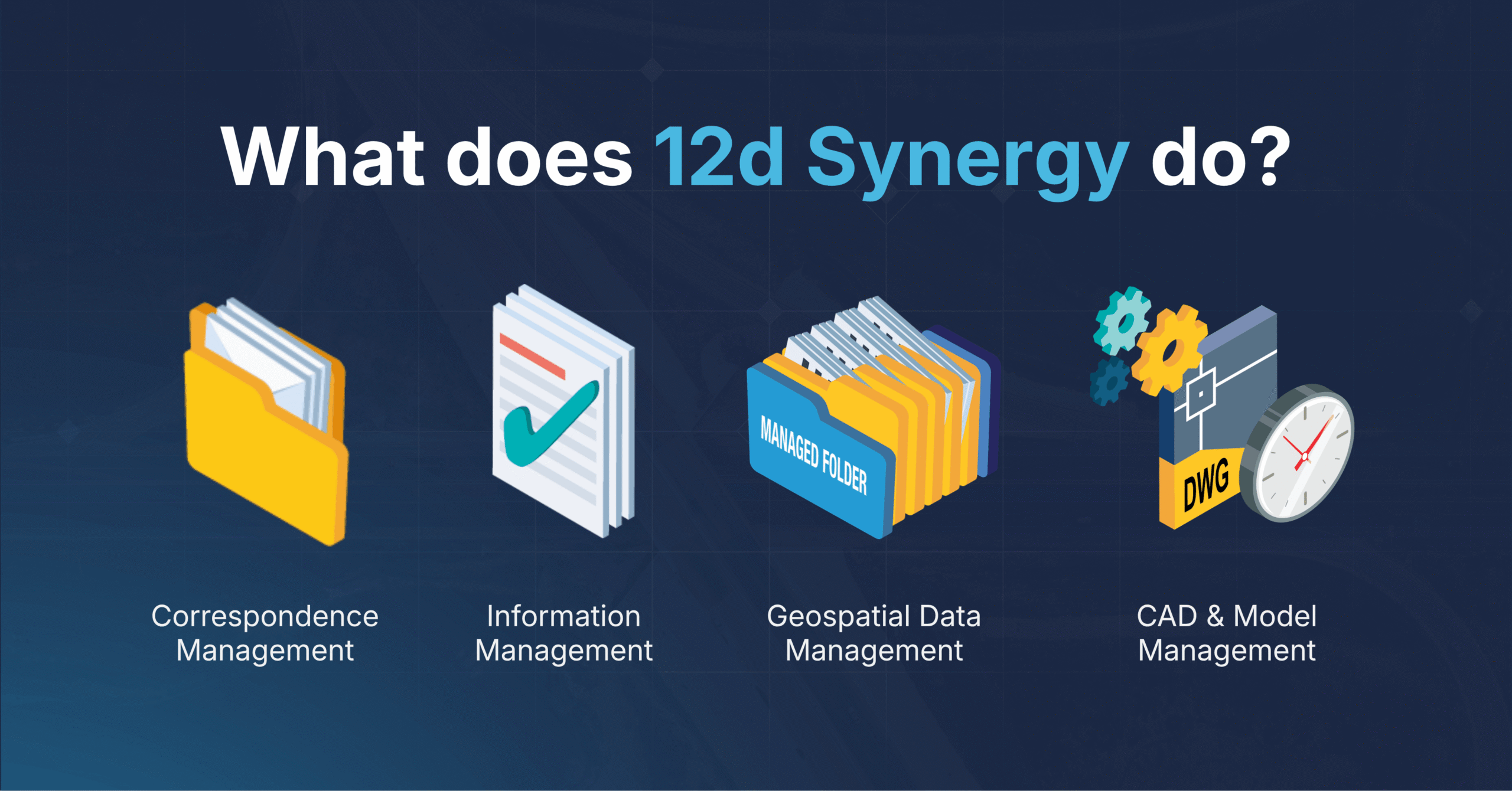
- Correspondence management: emails and transmittals tracked against the project, not buried in inboxes.
- Data integration: built to connect the fleet of tools your team already runs, including 12d Model, Leica Geosystems, Trimble Business Centre and more, not replace them.
- Geospatial data management: handles survey-specific formats natively, not as an afterthought.
- General information management: the structure and audit trail information management standards require, applied to survey data specifically

📺 On-Demand Webinar
See how each survey team fixes these problems. Watch: Common Data Environment for Surveyors
Mitch McPherson shows how a Work In Progress CDE solves the data problems surveyors deal with every day, what to look for when choosing one, and the outcomes to expect once it's running.
Register to Watch FreeOverall, adopting 12d Synergy as a surveying WIP CDE can help businesses to optimise project delivery, reduce risk, and improve profitability by providing a central location for all project data and enabling effective collaboration and communication between stakeholders.
If your team is still asking, “Is this the latest version?”, a CDE built for surveyors, not just adapted for them, is the fix.
Your workflow, your data
Want to see how 12d Synergy handles your specific survey workflow?

12d Synergy
Common Data Environment
Make project information easier to manage with 12d Synergy.
From documents and drawings to emails, models and workflows, 12d Synergy brings everything together in one secure system so your team can work more efficiently from day one.
Book a Demo