Streamline Your CAD Management with BricsCAD and 12d Synergy

Why it matters
Spend Less Time Managing Drawings and More Time Delivering Projects
12d Synergy runs inside BricsCAD, so your team keeps control of every file and version without leaving the drawing they're working in.

Get Hours Back Every Week
Title block updates, spreadsheet tracking and clunky LISP routines eat into valuable design time. 12d Synergy takes that admin off your team inside BricsCAD, so the day goes to drafting instead of file management.

Never Lose Work to a Clash
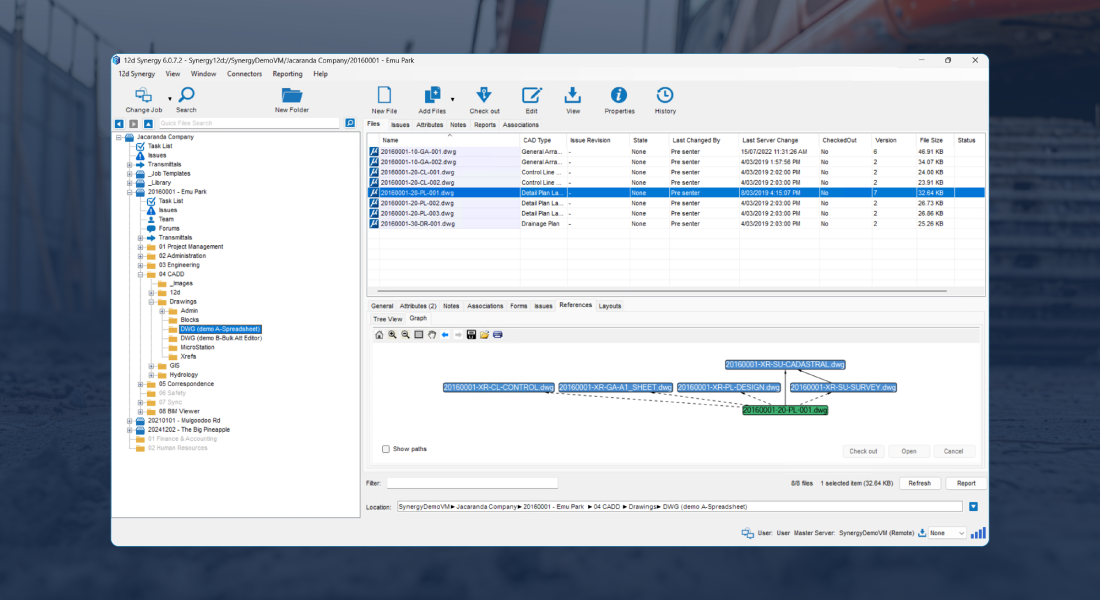
12d Synergy's check-in/check-out prevents team members from overwriting each other's files and clearly shows who has what open, eliminating version confusion.

Track Every Change
Every check-out, edit and publish gets logged as it happens. If a drawing is ever disputed, you have the full history to point to instead of guessing through email and local drives.
How It Works
How BricsCAD and
12d Synergy Work Together
BricsCAD integrates seamlessly with 12d Synergy providing a CAD Management system that allows you to edit, update, collaborate, track, and transmit drawings in a smarter way tailored for drafters and designers for the AEC industry.





BricsCAD integrates directly with 12d Synergy’s Common Data Environment, giving your team a ribbon interface inside BricsCAD to manage check-in/check-out, add attributes, blocks and references without ever leaving your CAD environment.
Key features
Everything Your Team Controls Inside BricsCAD
Pick a feature to see where it lives in the 12d Synergy ribbon and what it does.
Open & manage
Stay in sync
Track & protect

Book a demo
See it running on your own drawings
We'll walk your team through the BricsCAD integration end to end and answer anything specific to how you work.
Book a demo Not ready yet? Watch the integration webinar first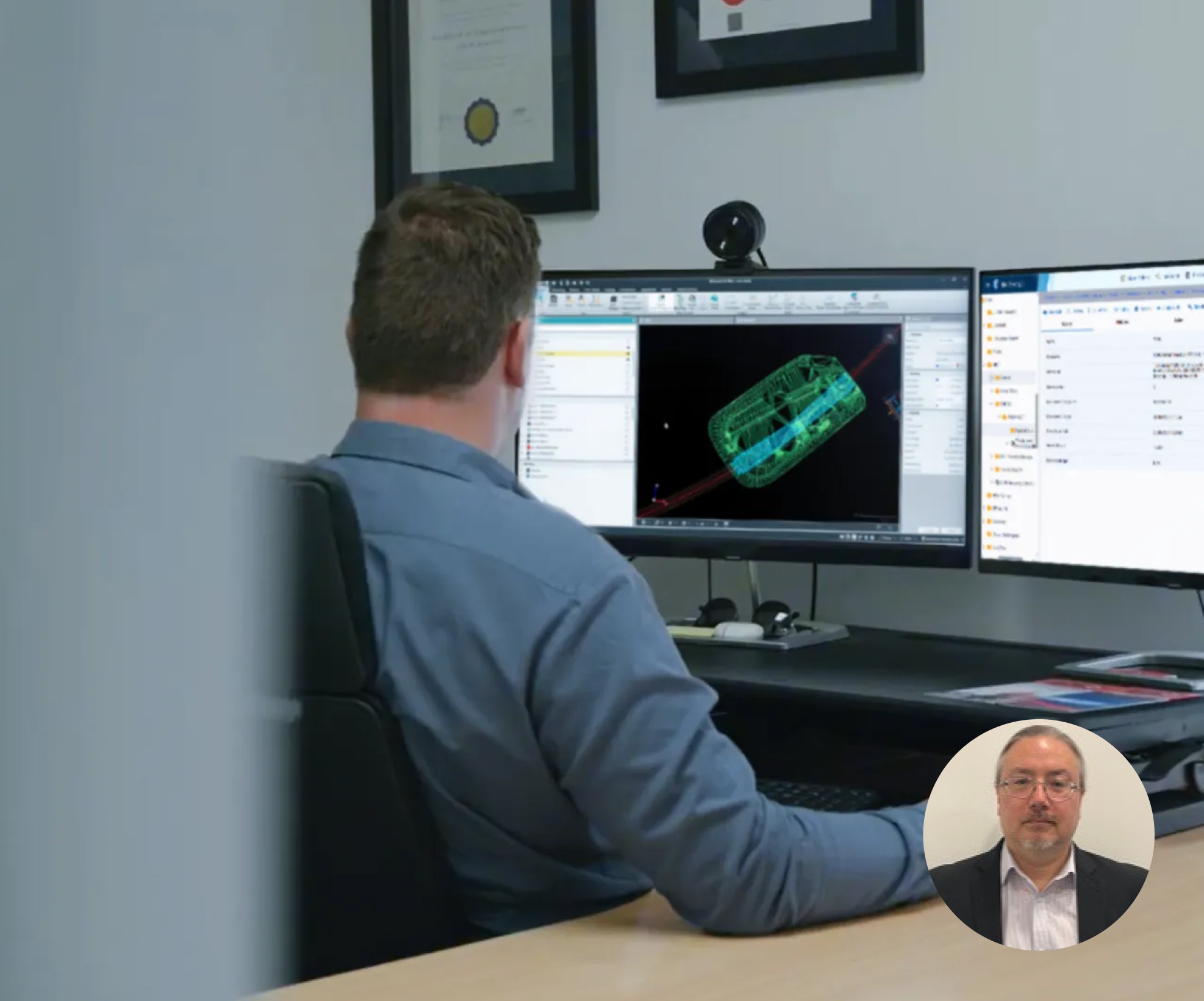
"When we discovered that 12d Synergy integrated with BricsCAD, it was a major advantage. The integration streamlined CAD management by managing Xrefs, title blocks, and PDF publishing within BricsCAD, ensuring version rollback to revert to previous drawing states and creating a seamless workflow between BricsCAD and 12d Synergy."
Explore further
Where to go next
 -->
-->
Take Control of Every Drawing
Automate the admin and keep every version organised in one governed environment.
Explore CAD File Management →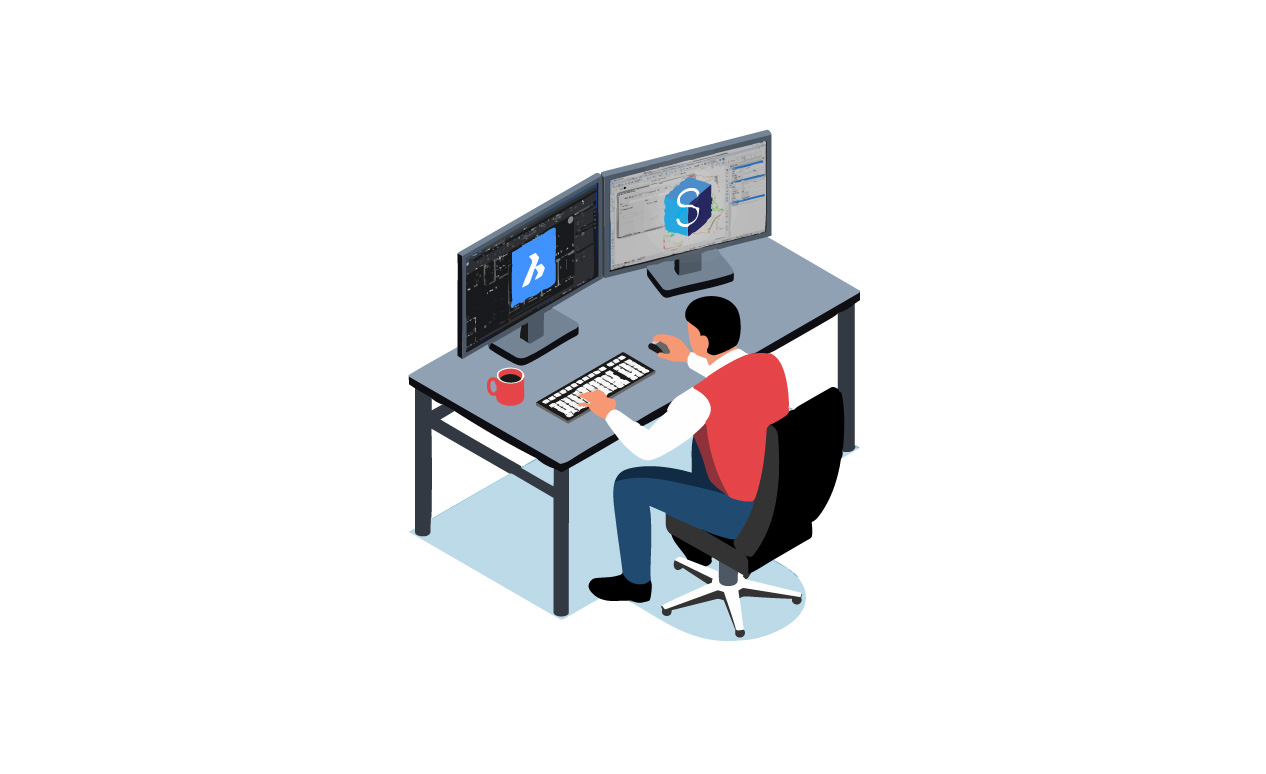
Power Your Design Team with BricsCAD
See BricsCAD's full 2D and 3D toolset built for AEC projects.
Explore BricsCAD Solutions →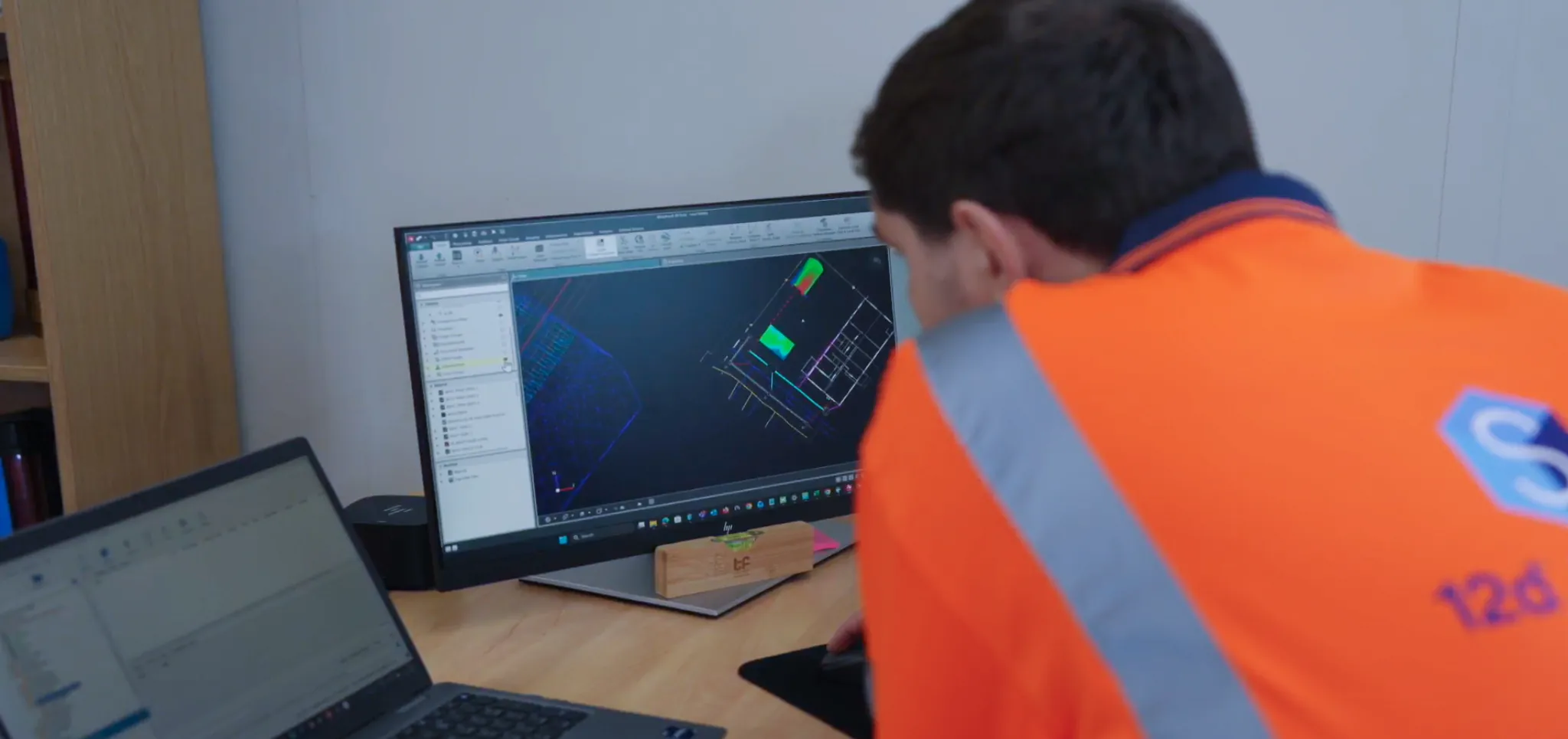
Built for Drafters and Designers
See how 12d Synergy fits the way design teams actually work.
12d Synergy for Designers →Book a demo
See it on your own drawings
We'll walk your team through the BricsCAD integration end to end and answer anything specific to how you work.
- A live walkthrough, not a sales pitch
- Run against your real CAD workflow
- 30 minutes, no commitment
FAQ
Common Questions From Design Teams
The integration lives directly in the BricsCAD ribbon. You can open files, check in and out, manage references, and publish drawings without ever leaving your CAD environment.
No, BricsCAD stays exactly as it is. The integration adds a 12d Synergy panel to your ribbon that connects your drawings to a governed CDE. Your team keeps working the way they always have, just with better version control and audit trails running in the background.
When a team member checks out a file, it's locked so no one can overwrite it. Others can still open it in read-only mode. Once it's checked back in, the new version is saved automatically with a full history.