Streamline Your Project Setup with Deltek Vantagepoint and 12d Synergy
Why it matters
Spend Less Time on Project Setup and More Time on Delivery
When a project is created in Deltek Vantagepoint, 12d Synergy creates the corresponding job automatically so your team can get on with delivery without entering the same project details twice.
Automated Project Creation
When a project is created in Vantagepoint, 12d Synergy builds the job using your predefined templates. Reduce manual setup and give new jobs a consistent starting point.
Mapped Project Data and Contacts
Bring project details, companies and contacts from Vantagepoint into 12d Synergy. Map supported fields to your job attributes so your team can access key project information alongside its documents, drawings and models.
Fits Your Workflow, Not the Other Way Around
Choose which supported fields map where and how new jobs fit into your existing job structure. Keep managing project details in Vantagepoint while the connector carries the relevant information into 12d Synergy.
How It Works
How Deltek Vantagepoint and
12d Synergy Work Together
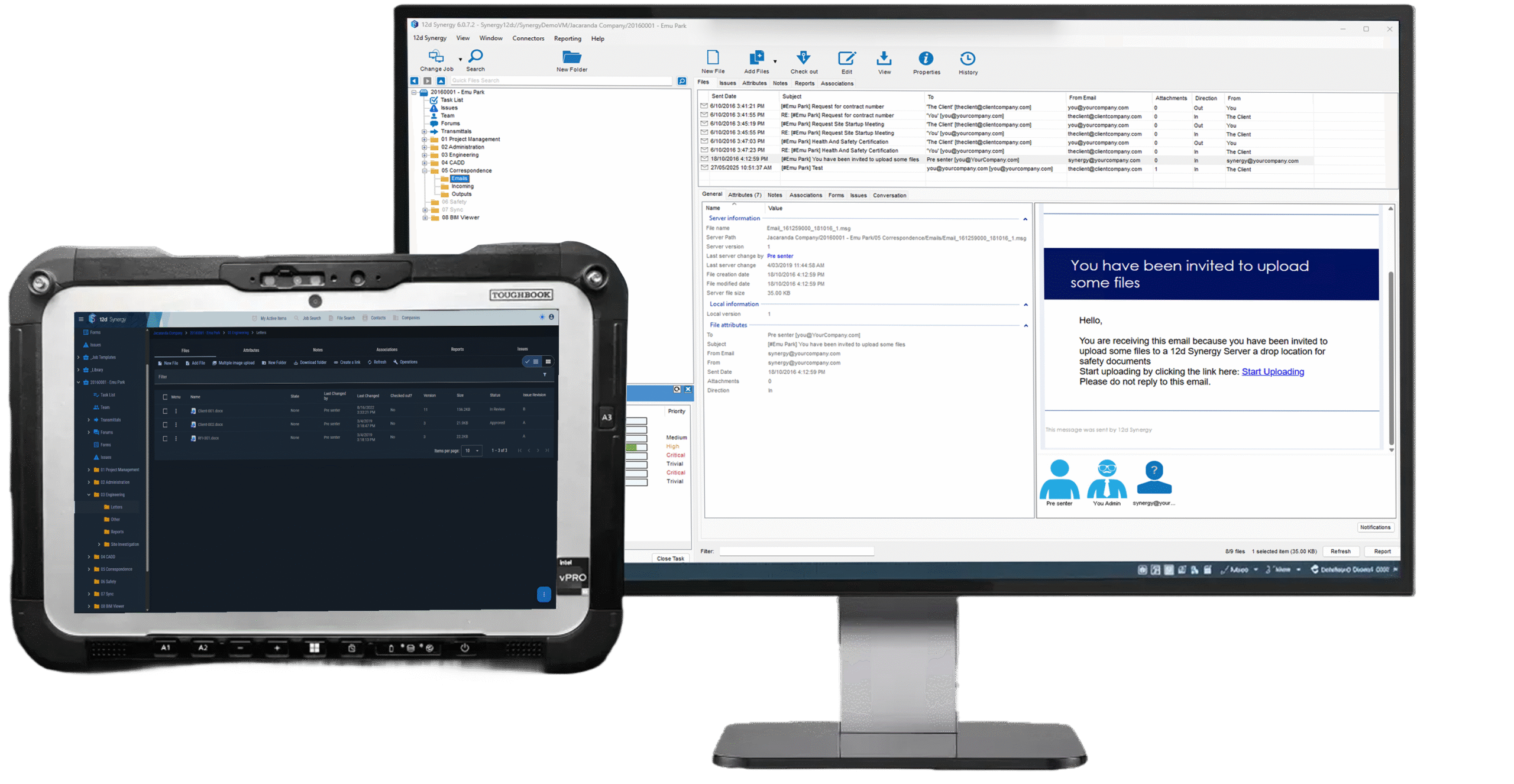
Bring your project information from Vantagepoint into 12d Synergy, where your team manages documents, drawings and models with version control and audit trails. Reduce duplicate entry and keep project records aligned as details change.
Each run picks up what changed in Vantagepoint since the last run.

When a project is created or updated in Deltek Vantagepoint, 12d Synergy picks it up automatically. Project data maps across to job attributes in 12d Synergy, so your documents, drawings and project information are always linked to the right job, helping your team maintain consistent information without repeating the updates manually.
Want to see exactly how the data maps across? Read the Deltek connector documentation.
Book a demo
See It Running on Your Own Project Data
We'll walk your team through the Deltek Vantagepoint integration end to end and discuss how job creation, field mapping and scheduled updates fit your project workflow.
Book a demoExplore further
Where to go next
Take Control of Your Project Information
See how 12d Synergy helps your team keep project documents and information organised, controlled and accessible.
Explore Information Management →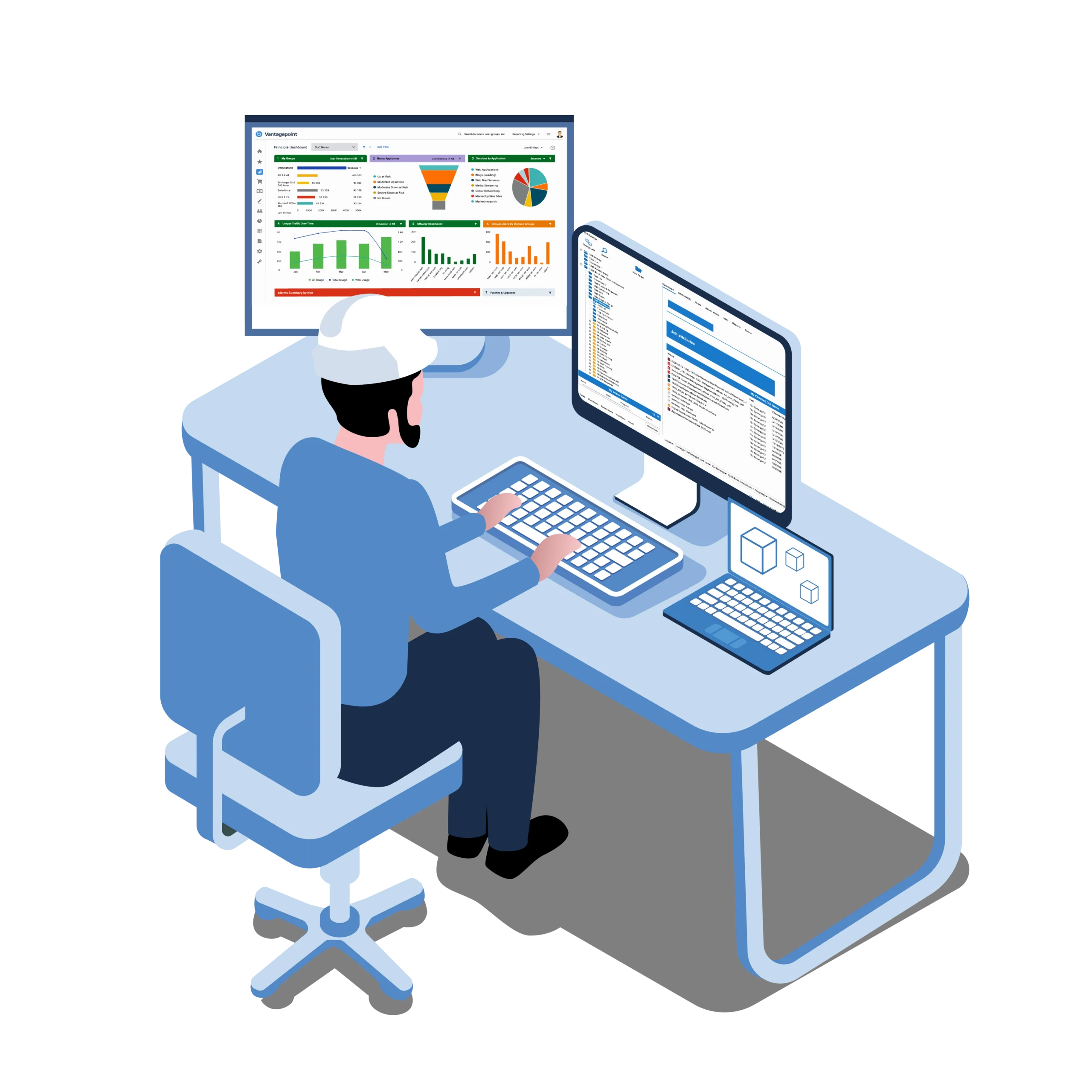
Explore Deltek Vantagepoint
Discover Deltek Vantagepoint, the ERP platform for architecture, engineering and consulting firms.
Explore Deltek Vantagepoint →
Built for Project Managers
Explore how 12d Synergy helps project managers organise documents, find project information and keep their teams working from current files.
12d Synergy for Project Managers →Book a demo
See it on your own project data
We'll walk your team through the Deltek Vantagepoint integration end to end and answer anything specific to how you work.
- A live walkthrough, not a sales pitch
- Run against your real project workflow
- 30 minutes, no commitment
FAQ
Common Questions From Project Teams
No. Once configured, the connector creates a corresponding job in 12d Synergy for new Vantagepoint projects that meet your import settings. It uses your selected job template and runs on a schedule, reducing the need to enter project details in both systems.
Jobs, companies and contacts all sync from Vantagepoint into 12d Synergy. Available project fields include job names and numbers, status, start and end dates, project manager, principal, supervisor and billing contact. You choose which supported fields map into 12d Synergy during setup.
Your team can continue managing project details in Vantagepoint. The connector runs in the background and imports the configured information into 12d Synergy. Vantagepoint remains the source of truth for connected fields.
Updates run on a schedule configured by your administrator. The connector checks for relevant new or changed records in Vantagepoint and creates or updates the corresponding records in 12d Synergy.
The Deltek Connector module is an additional paid feature that must be added to your 12d Synergy licence. Contact our team to discuss licensing and configuration.