Streamline Your MicroStation and OpenRoads Workflows with 12d Synergy
Why it matters
Keep Every Reference Current and Every Drawing Under Control
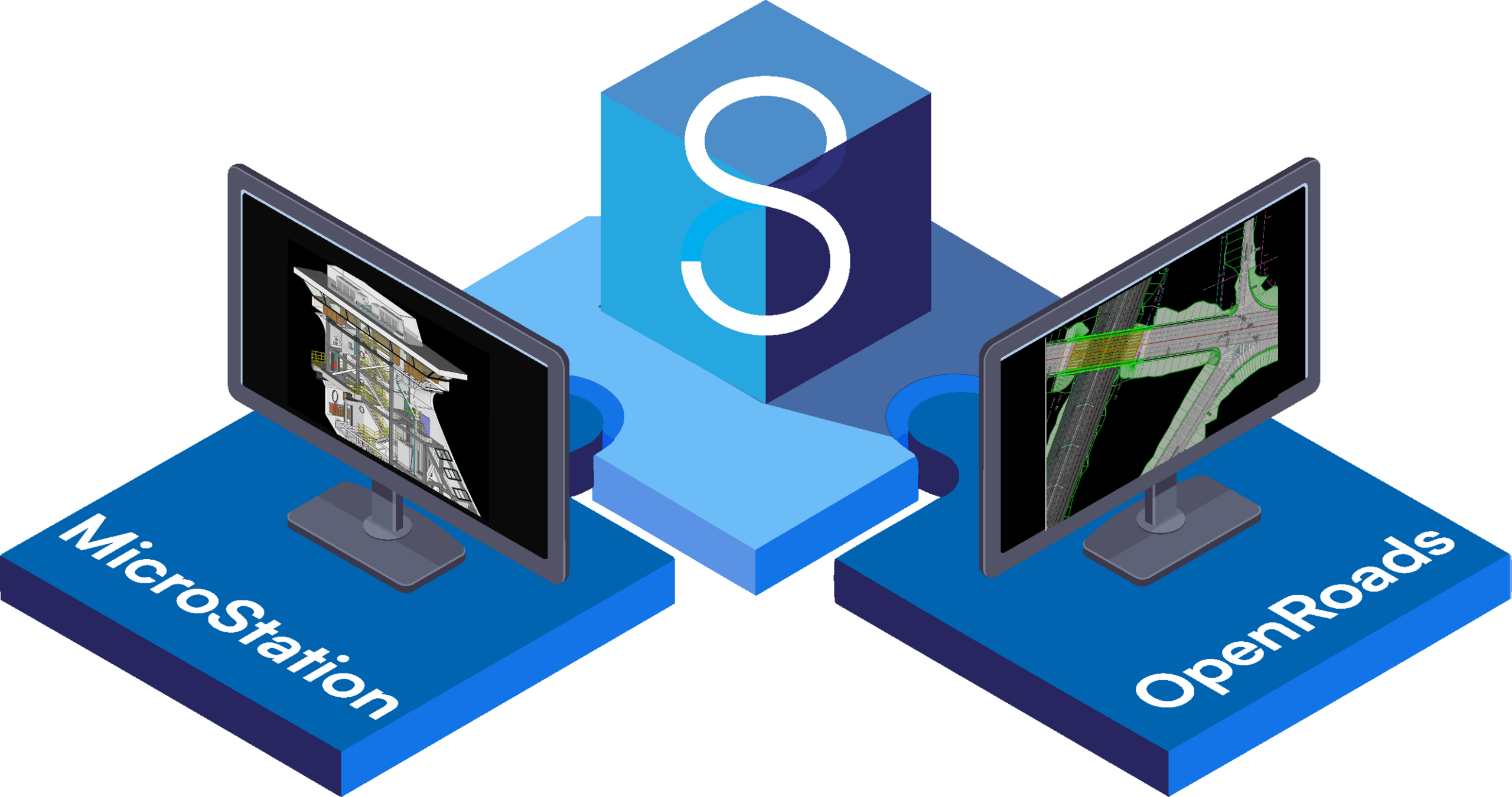
12d Synergy runs inside MicroStation and OpenRoads Designer, so your team can manage thier files and references without leaving the drawing they're working in.
Know When a Reference Changes
When a colleague checks in a new version of a file you’re referencing, 12d Synergy notifies you and gives you the option to load it. Your team can see when source information has changed before continuing to work against an outdated reference.

References That Don’t Break
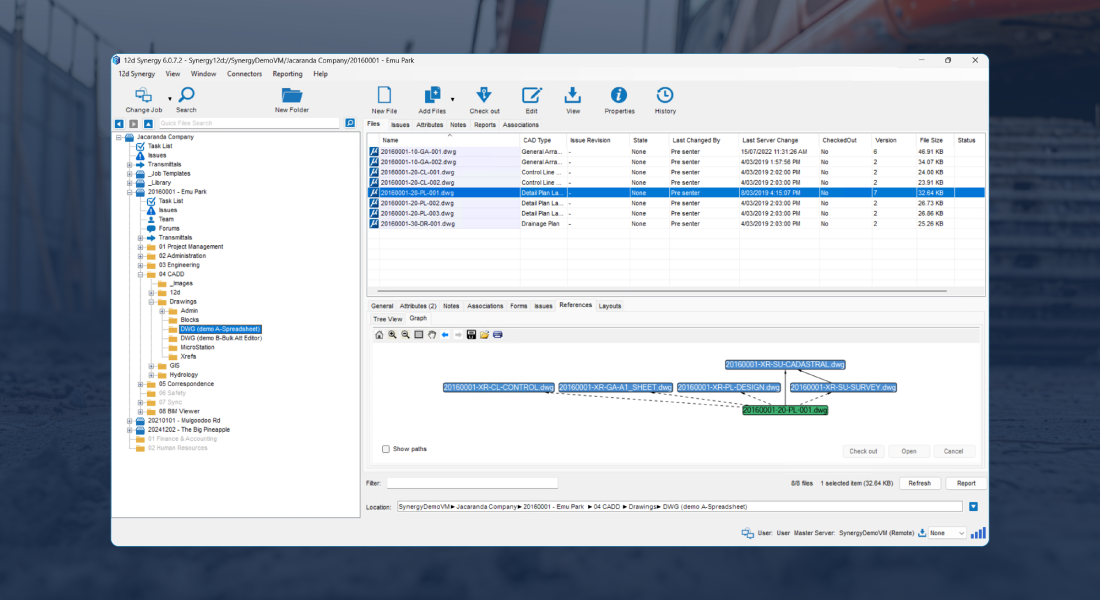
References attached through 12d Synergy use tracked pathing, so moving or renaming a file won't break the drawings that point to it. Bringing in an existing project? 12d Synergy picks up the references already in your DGNs, so there's no re-attaching.
Never Lose Work to a Clash
Check-out locks a drawing to the person editing it, preventing another user from overwriting their work. Others can still open the drawing in read-only mode, while each check-in records who updated it, when it was updated and the reason provided for the change.
How It Works
How MicroStation, OpenRoads and
12d Synergy Work Together
The 12d Synergy plugin adds a dedicated file-management workflow to the ribbon in MicroStation and OpenRoads Designer. From there you open, check out, check in and upload DGN files and attach references, with everything stored in 12d Synergy's Common Data Environment. Version history and rollback live in the 12d Synergy Client, so there's always a full record behind every drawing.


.png)

.png)


Key features
Everything Your Team Controls Inside MicroStation and OpenRoads
Pick a feature to see where it lives in the 12d Synergy ribbon and what it does.
Open & manage
Stay in sync
Track & protect

Book a demo
See it running on your own drawings
We'll walk your team through the MicroStation and OpenRoads integration end to end and answer anything specific to how you work.
Book a demo Not ready yet? Watch the integration webinar firstExplore further
Where to go next
Take Control of Every Drawing
Automate the admin and keep every version organised in one governed environment.
Explore CAD File Management →
Power Your Design Team with MicroStation and OpenRoads
See Bentley's CAD and civil design toolsets built for roads, rail and infrastructure projects.
Explore MicroStation →
Built for Drafters and Designers
See how 12d Synergy fits the way design teams actually work.
12d Synergy for Designers →Book a demo
See it on your own drawings
We'll walk your team through the MicroStation and OpenRoads integration end to end and answer anything specific to how you work.
- A live walkthrough, not a sales pitch
- Run against your real MicroStation or OpenRoads workflow
- 30 minutes, no commitment
FAQ
Common Questions From Design Teams
The plugin adds a 12d Synergy group to your ribbon, so you can open, check out, check in, upload and manage references without leaving your drawing. Version history and rollback are handled in the 12d Synergy Client.
12d Synergy version 6 and the Advanced Data Management plan. The plugin installs with the 12d Synergy Client. Open MicroStation or OpenRoads at least once on that computer before you install, so the plugin can find your user configuration.
No. Upload the drawings and their references together, and 12d Synergy tracks the references automatically. If you're uploading a whole folder, tick "Resolve references after upload" when you add it. For files already in 12d Synergy, the Find References tool in the Client does the same job.
If someone checks in a DGN you're referencing, you'll get a notification with the option to load the latest version, so you're always working from current data.
DGN files can be opened and edited. DWG, image and PDF files can be attached as references.
No. 12d Synergy integrates with ProjectWise, and the two can run alongside each other. Talk to us about how your ProjectWise data fits into your 12d Synergy setup.